Room for
something better.

A conversation about your space.
Book a consultation↗


Use our AI Landing Page Builder to create the page, then publish with hosting and performance optimizations included. Give your campaigns their own place to launch alongside your WordPress website.
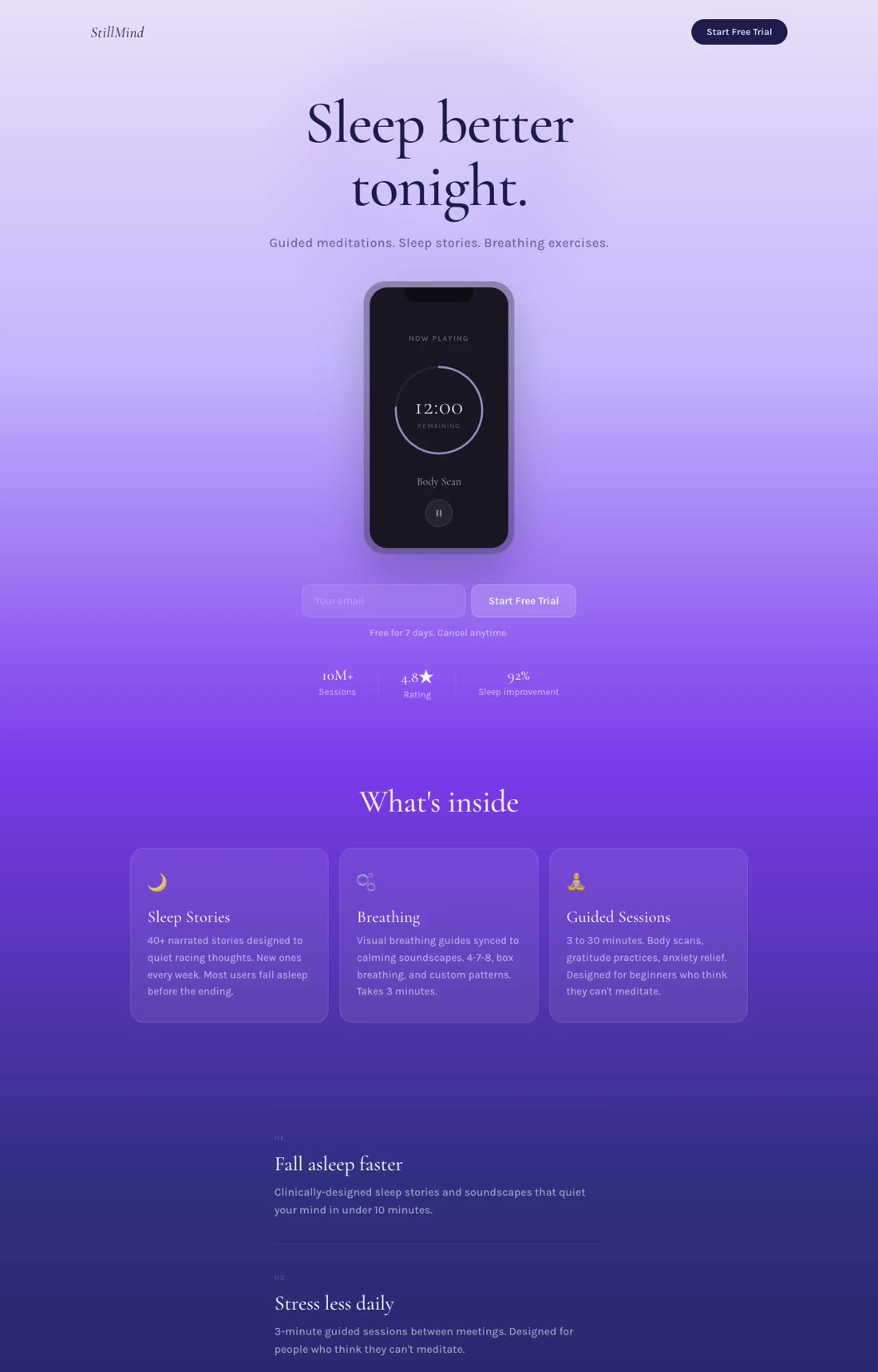
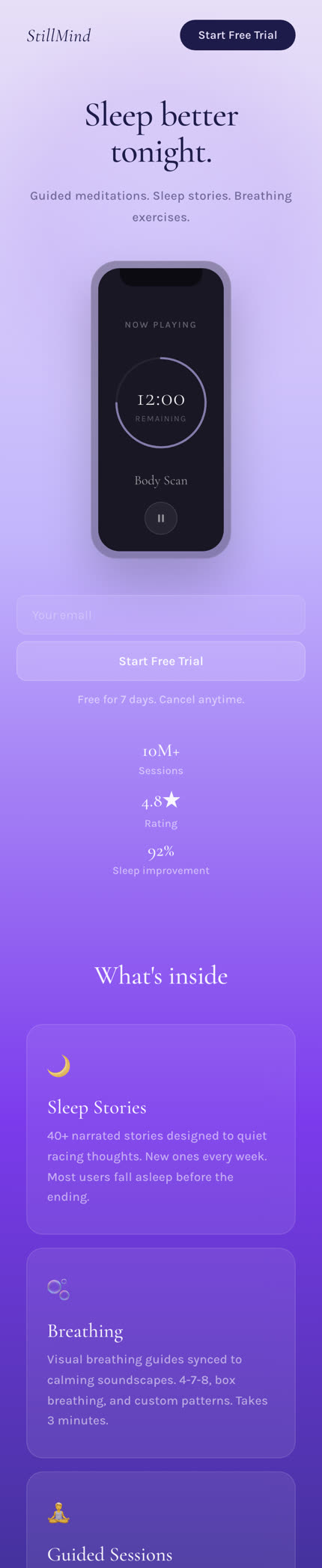
Build for desktop and mobile, with page delivery handled for you.
The full comparison
Elementor is a WordPress page builder. Swipe Pages is a hosted campaign platform. Compare what you'll need around the editor, including hosting, testing and ongoing maintenance.
| What you need | Swipe Pages | WordPress + Elementor |
|---|---|---|
| Starting point[1][4][6] | Swipe PagesStartup: $39/mo, or $29/mo billed annually. Hosting included. | WordPress + ElementorFree WordPress plugin available. Pro features and hosting depend on your setup. |
| AI page creation[2][7] | Swipe PagesAI Builder creates the layout, copy and images. Refine by chat. | WordPress + ElementorAngie creates page layouts and content in WordPress. |
| Manual design[2][6] | Swipe PagesSeparate drag-and-drop builder with templates. | WordPress + ElementorVisual editing within WordPress. |
| A/B testing[1][8] | Swipe PagesMarketer: $89/mo, or $69/mo billed annually. Built in. | WordPress + ElementorSeparate testing service or plugin, such as Split Hero. |
| Personalization[1][4] | Swipe PagesDynamic Text Replacement on Marketer and Agency. | WordPress + ElementorConfigure the required dynamic content, plugin or custom implementation. |
| Forms & lead quizzes[2][4] | Swipe PagesBuild the capture journey with AI and connect lead delivery. | WordPress + ElementorForm Builder on paid Elementor plans. Quiz capabilities depend on added tools. |
| Payments[1][5] | Swipe PagesStripe, PayPal and Razorpay for digital products. Every plan. | WordPress + ElementorStripe and PayPal buttons on supported Pro plans. WooCommerce or other integrations for broader ecommerce. |
| Hosting[1][9] | Swipe PagesIncluded with every plan. | WordPress + ElementorChoose your host, or buy a hosting bundle. |
| Performance[3][10] | Swipe Pages20+ publishing optimizations, including image optimization and delivery. | WordPress + ElementorElementor has performance features. Hosting, plugins and implementation affect results. |
| Maintenance[2][11] | Swipe PagesSwipe Pages maintains the hosted publishing platform. | WordPress + ElementorWordPress, theme and plugin updates. Responsibility depends on your hosting or maintenance service. |
| Client campaigns[1][4][9] | Swipe Pages5 client sub-accounts and 5 team members on Marketer. Unlimited on Agency. 1 on Startup, 5 on Marketer, unlimited on Agency. | WordPress + ElementorLicenses and hosting capacity depend on the number of WordPress sites. |
| Visitor allowance[1][9] | Swipe PagesStartup 20,000, Marketer 50,000, Agency 500,000 visitors/month. $5 per 5,000 additional visits beyond your allowance. | WordPress + ElementorDetermined by hosting and any connected services. |
Published by Swipe Pages. Research checked September 22, 2026. Sources and comparison notes ↓
Compare your costs
An Elementor license is one part of a WordPress setup. Start with the hosting and plugins you already pay for, then add only what the campaign requires. A simple existing site may cost less to extend.
| What you need | Swipe Pages | WordPress + Elementor |
|---|---|---|
| Page builder[1][4][6] | Swipe PagesStartup: $39/mo, or $29/mo billed annually | WordPress + ElementorElementor free or a paid plan. Check the current license price and renewal rate. |
| Hosting & delivery[1][9] | Swipe PagesIncluded. Visitor allowances and overages apply. | WordPress + ElementorYour existing hosting plan or a new hosting bundle. Count this once if it is already bundled. |
| A/B testing[1][8] | Swipe PagesIncluded from Marketer: $89/mo, or $69/mo billed annually. | WordPress + ElementorExample: Split Hero Starter is $29/mo for one active testing campaign, in addition to your site costs. |
| Maintenance[2][11] | Swipe PagesHosted platform maintenance included. | WordPress + ElementorYour time, your host or a maintenance service for updates and backups. Do not assume a fixed extra fee. |
| Payments & integrations[1][4] | Swipe PagesSupported digital-product checkout included. Processing fees apply. | WordPress + ElementorInclude only the ecommerce, form or integration extensions you need. Processing fees apply. |
There is no universal WordPress total and no claimed percentage saving here. Reuse costs you already cover, avoid double-counting bundled hosting or security, and compare renewal prices as well as introductory offers. The difference is how much of the campaign setup you want to manage yourself. See sources.
Your WordPress site can keep doing its job. Give your paid campaigns a place where the page, hosting and testing tools are ready together. Swipe Pages lets you work on the offer without assembling a separate publishing setup.
An ad campaign needs a reliable place to send visitors. Swipe Pages includes hosting, image optimization and page delivery with your builder. Review the mobile page, connect your domain and publish the offer without configuring a WordPress performance stack.
Elementor has its own performance features, and a well-built WordPress page can be fast. Swipe Pages handles the hosting and publishing setup for you. [3][10]
The page load speeds are blazingly fast, which has noticeably helped our conversion rates. On top of that, the AI builder is fantastic. It drastically speeds up the design and copywriting process, making page creation quick, effortless, and intuitive.
A new offer shouldn't mean learning another tool. Pick the landing page your campaign needs and make it yours with AI.
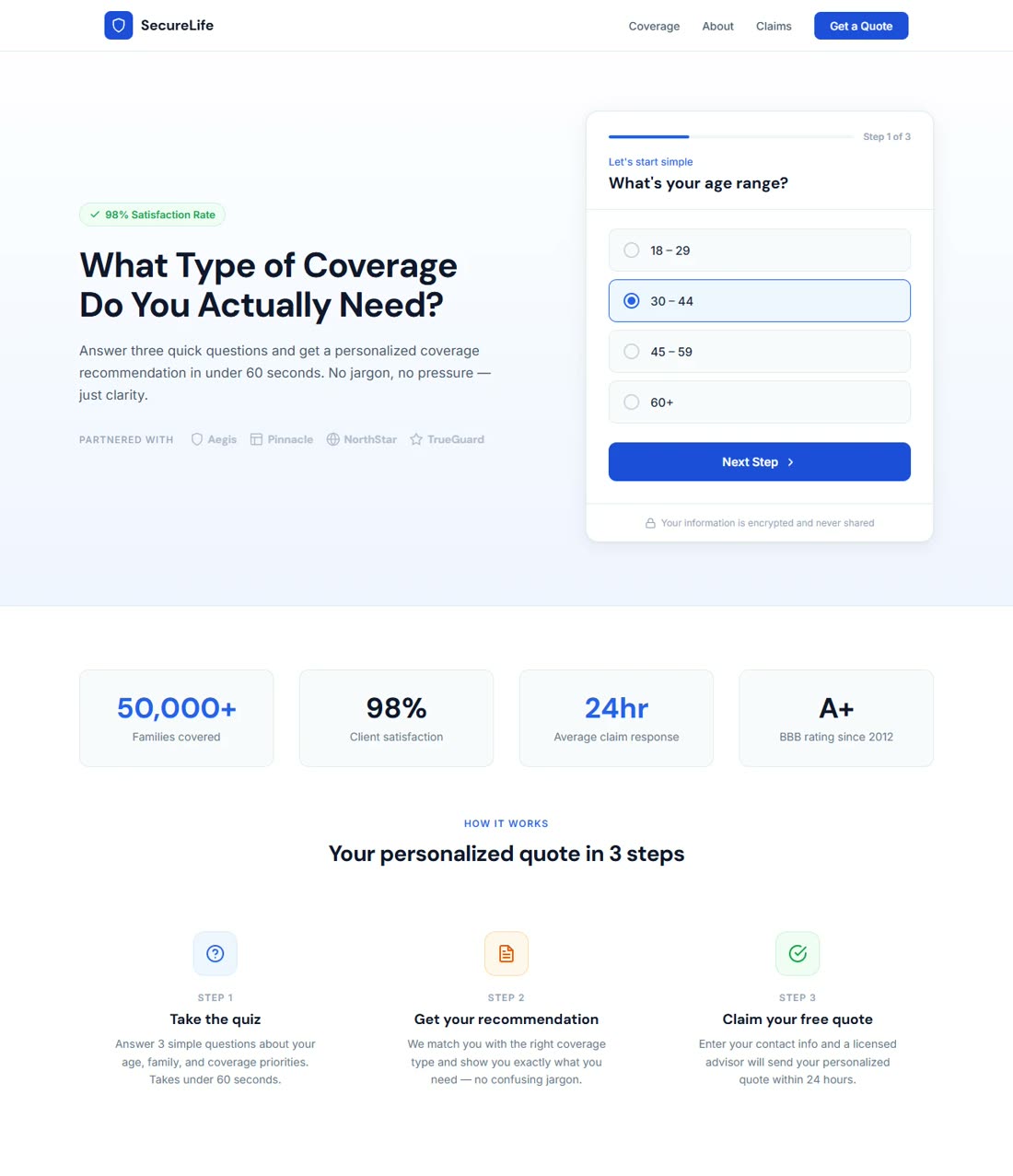
Let people tell you what they need before they reach your inbox. Build a quiz that collects the details your sales team needs to start a better conversation.
Try it with your own offer.
You can also build checkout pages, thank-you pages, product launches and complete sales funnels.
Your brief goes in. A landing page in your brand comes out. Then you make it yours by asking for the changes you want.
See the AI landing page builder workflow in this short illustration, then try it with your own business.
Try your own prompt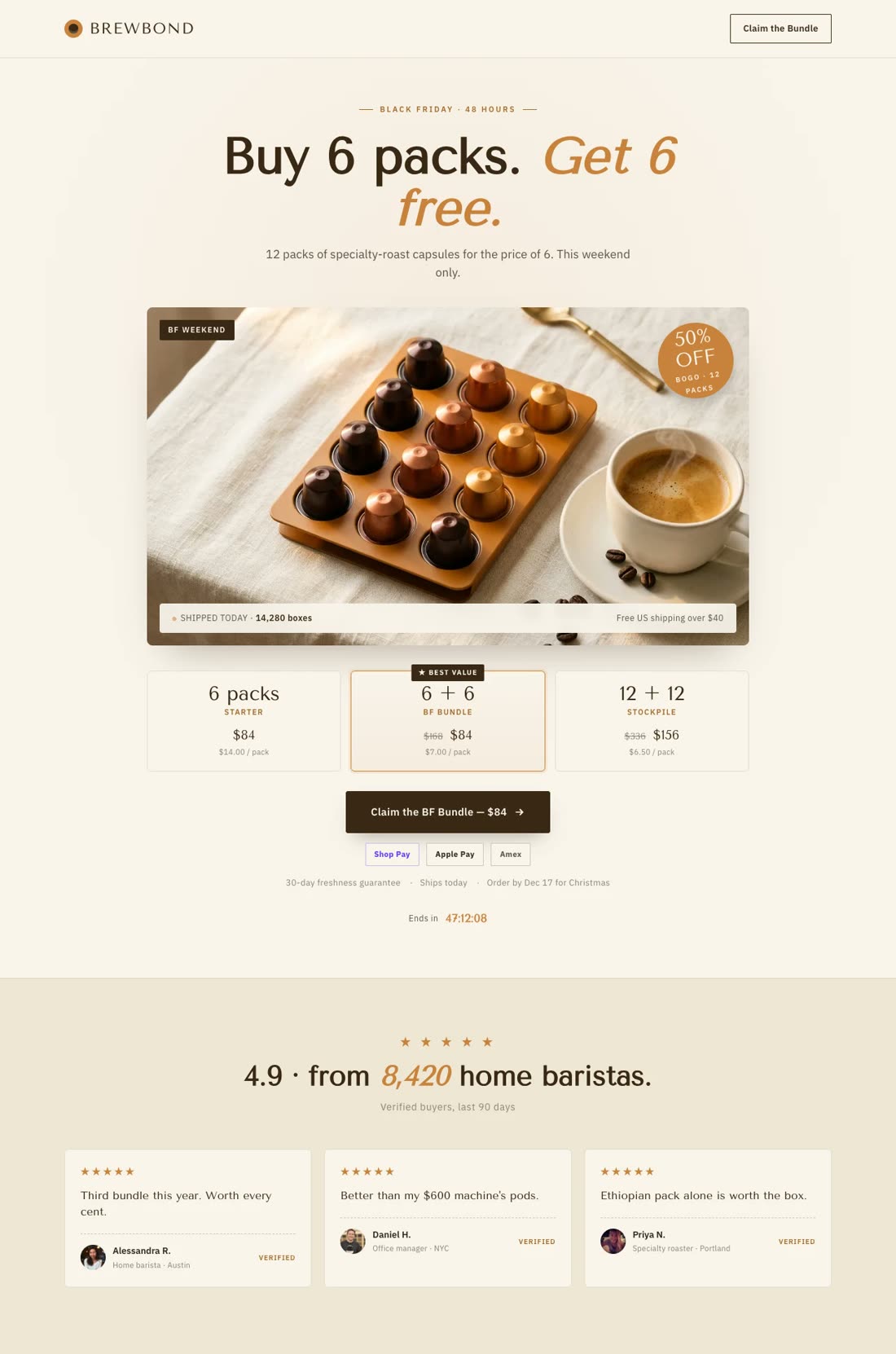
Give the AI Landing Page Builder your brand website and the campaign brief. Ask for a lead page, a quiz or a digital-product sales page, then refine the layout and copy by chat. Your publishing tools are ready when the page is.
Angie also builds pages with AI inside WordPress. Choose Swipe Pages when you want page creation and hosted campaign delivery in one platform. [2][7]
A conversation about your space.
A practical starting point for your room.
Swipe Pages Marketer includes server-side A/B testing at $89/mo on monthly billing. Build a variation, split traffic and compare conversions in the same place you manage the page. Test the offer instead of spending the launch window connecting another tool.
On WordPress, a separate tool such as Split Hero can provide page testing. Include its cost and setup in your decision. [2][1][8][1]
Have an offer in mind? Put it to work.
Try Swipe Pages for FreeBurst pipe? Blocked drain? Get help from your local team.
Tell us what's happened.
We'll help you find the next step.
Your Austin ad leads to your Austin headline. The campaign link supplies the location.
Use Dynamic Text Replacement to carry your ad keyword or location into the page. For a different service, audience or language, ask AI for a dedicated version. Manage those campaign variations without adding pages to your main site's navigation.
Find the class that fits what you love.
Studio workshop · Saturday
 Stripe
 PayPal
 Razorpay
A consultation needs a useful inquiry. A digital product needs a clear buying path. Build a lead quiz, form or checkout with Swipe Pages, then connect your lead delivery or payment provider. The conversion step belongs to the offer you're launching.
A training-day routine.
A pocket-sized product.
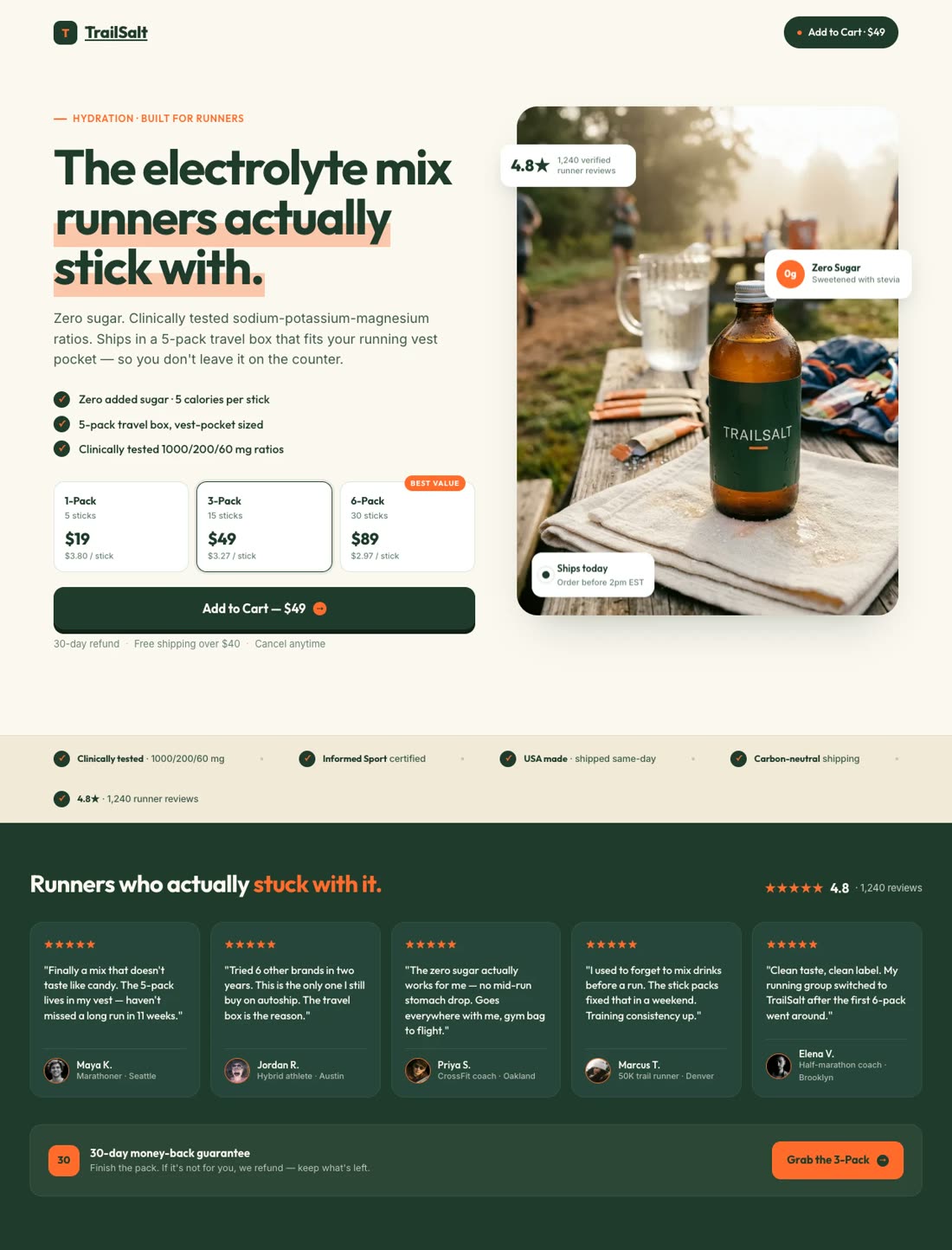
Ask the Swipe Pages AI Strategy agent to research competitors and customer reviews. Use that evidence to plan the promise, proof and objections before you build.
Give the AI Strategy agent your existing landing page URL. Review its recommendations for copy, layout and conversion elements, then build the improved version in Swipe Pages. Use an A/B test to learn whether the change helps.
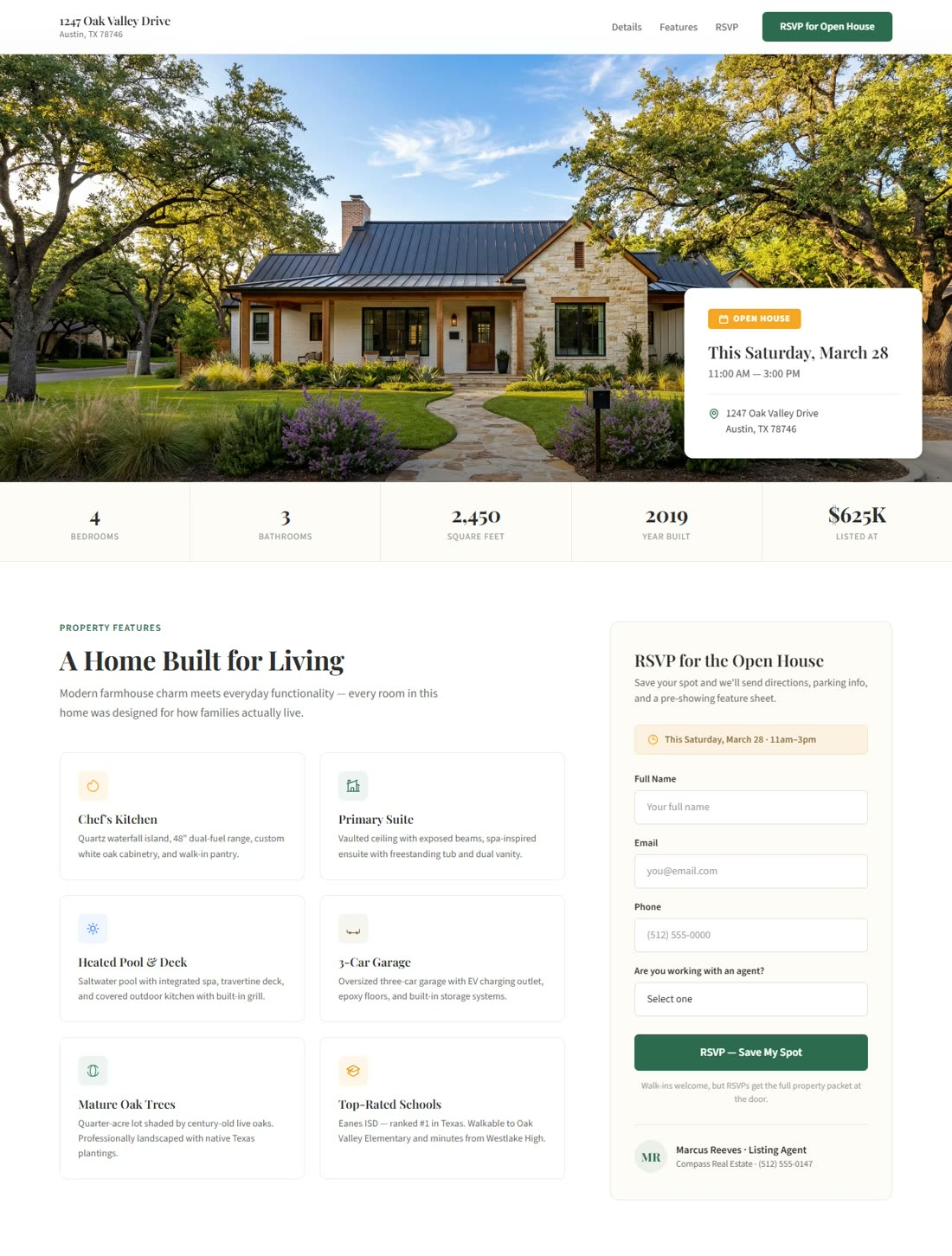
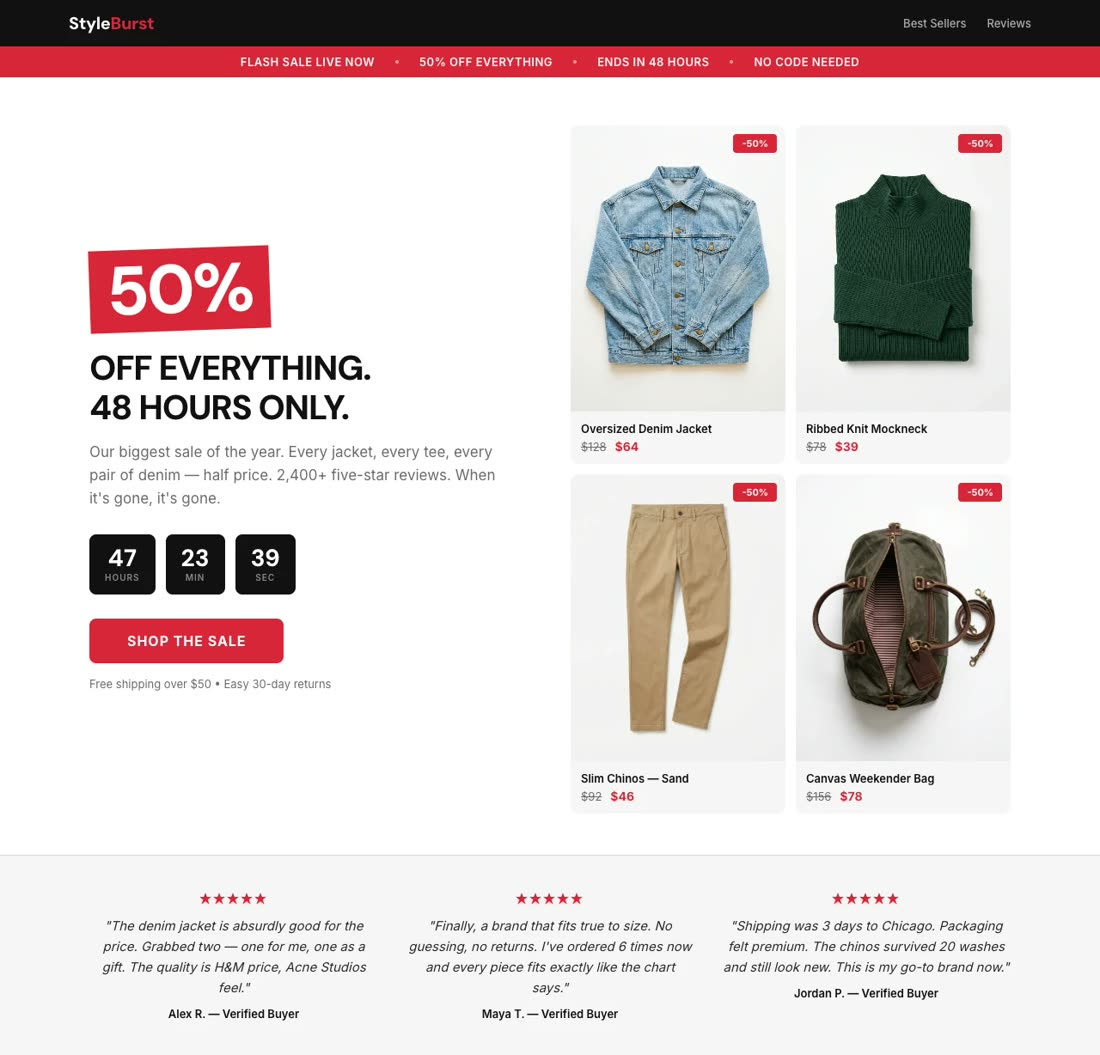
Keep each client's campaign pages in a Swipe Pages sub-account. Agency includes unlimited domains and team members, so the next launch can use the same working process. Your clients can keep their main WordPress sites while you manage their campaign pages.
Swipe Pages gives you the tools to turn that page into part of your business.
Track visits, form submissions and link clicks in your dashboard. Send conversion events to Meta, Google Ads and TikTok, so your page works with the campaigns you're already running.
Analytics & conversion trackingConnect HubSpot, Mailchimp or Zoho directly. Use Zapier or webhooks for the rest of your stack. Deliver a lead magnet and notify your team when someone signs up.
Integrations & lead deliveryPrefer to design the page yourself? You also have a drag-and-drop builder and ready-to-use templates. Get chat and email support when you need a hand.
Two ways to build. Help when you need it.Make your next campaign the first
Keep your current campaigns running. Use your free trial to build the next one in Swipe Pages, and see how much of the work AI can take off your hands.
Try Swipe Pages for FreeGive the AI Landing Page Builder your website and tell it what you want the campaign to achieve.
Refine the copy, imagery and layout by chat. Connect your forms, payments and tracking.
Test the complete journey, publish your page and point your campaign to it.
Yes. Keep your main website on WordPress and publish your Swipe Pages campaigns on a separate domain or a subdomain such as offers.yourdomain.com. Configure the domain and test tracking and lead delivery before pointing your ads to the new page.
Not in every setup. Elementor has a free plugin, and an existing WordPress site may be inexpensive to extend. Swipe Pages starts at $39/month with hosting included. Compare the complete campaign setup, including testing, hosting, maintenance and any paid extensions, rather than the editor license alone.
Yes. Angie can create page layouts and content inside WordPress. Swipe Pages offers an AI Landing Page Builder with hosted publishing, plus an AI Strategy agent for research and conversion audits. Choose based on how you want to build, publish and improve campaigns.
Swipe Pages includes server-side A/B testing on Marketer and Agency. For an Elementor page, choose a separate testing tool or plugin that fits your WordPress setup, such as Split Hero. Check its campaign limits, reporting and current pricing.
Swipe Pages includes 20+ publishing optimizations covering images, code and delivery. You can review the details on our Performance page. Actual speed still depends on your page content and third-party scripts. We have not run a controlled cross-platform speed test.
Use Swipe Pages for campaign landing pages, lead capture and digital-product sales. Keep your WordPress blog, full store or other site functions where they work today. Start by building one campaign during the free trial rather than moving the whole website.
Bring your website and one offer. Let AI build your first campaign landing page.
Written by Swipe Pages. Checked September 22, 2026. Comparisons use public product and plan documentation; claims about undocumented capabilities refer to the pages reviewed. Pricing can change. Artwork illustrates workflows, rather than reproducing the app interface or claiming customer results. We haven't run a controlled cross-platform speed test.