mile at a time.
3.2km21:08time
App StoreGoogle Play
Illustrative workout screen

BEFORE THE STORE LISTING
A store listing shows screenshots to somebody who has not decided yet. Swipe Pages builds an app landing page that makes the case first, then sends a ready buyer to install.
 4.8
4.8 174 reviews4.9
 176 reviews
The problem
Your landing page is mostly pictures. Ten screenshots and a demo video are a lot to load on mobile data, and the visitor is back in the feed.
Four ads about four features all land on one landing page about the whole app. Whoever tapped the ad has to go looking for the feature, and you paid for that tap.
A landing page written from your store listing lists the features and stops there. The screens are the product, and a list does not show them.
You rewrite the headline or swap the screenshots. Installs move that week for other reasons too, so you never find out which version did better.
The answer
Describe the app once. The AI Builder takes the colors and fonts off your website and builds the landing page.
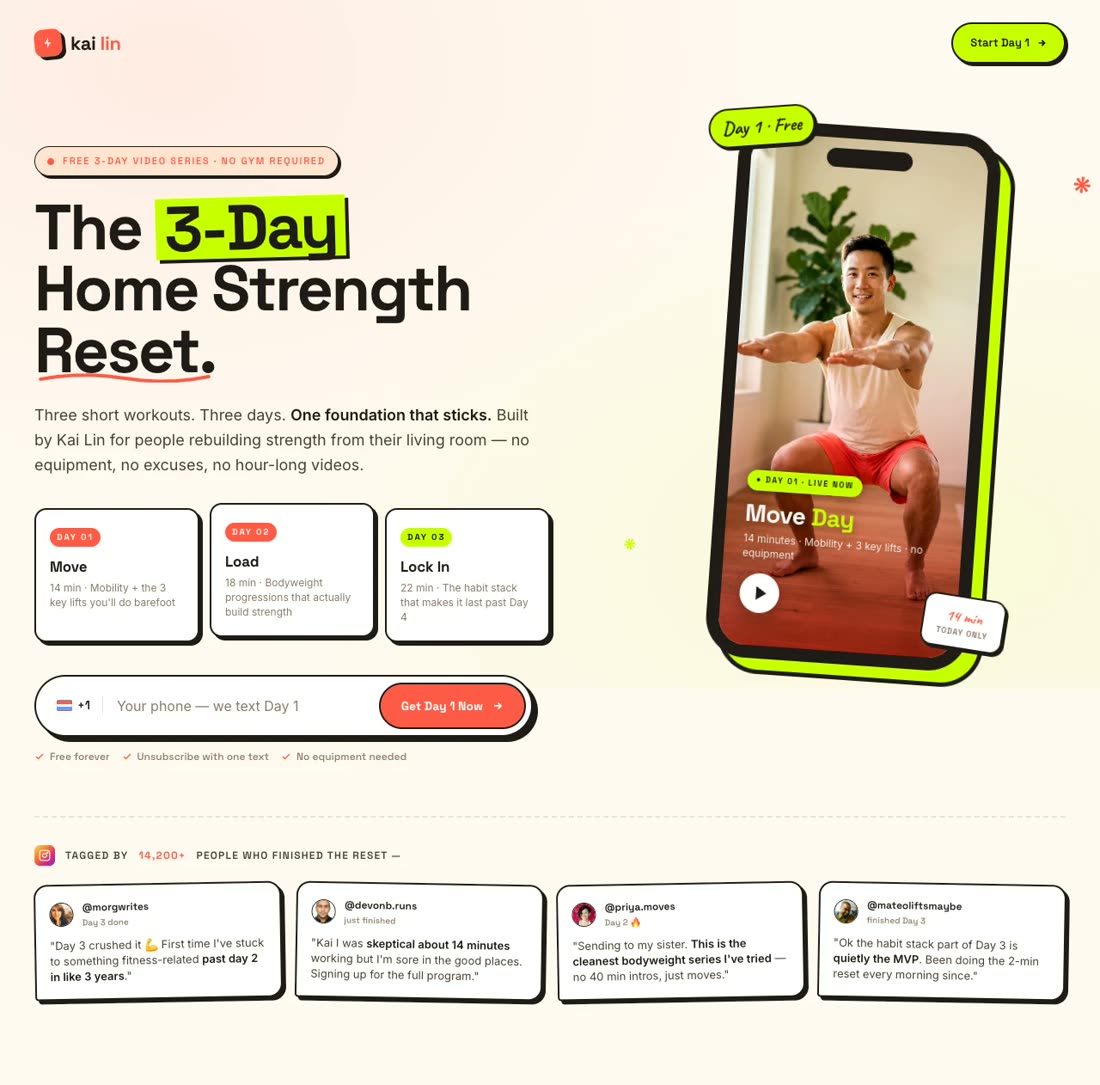
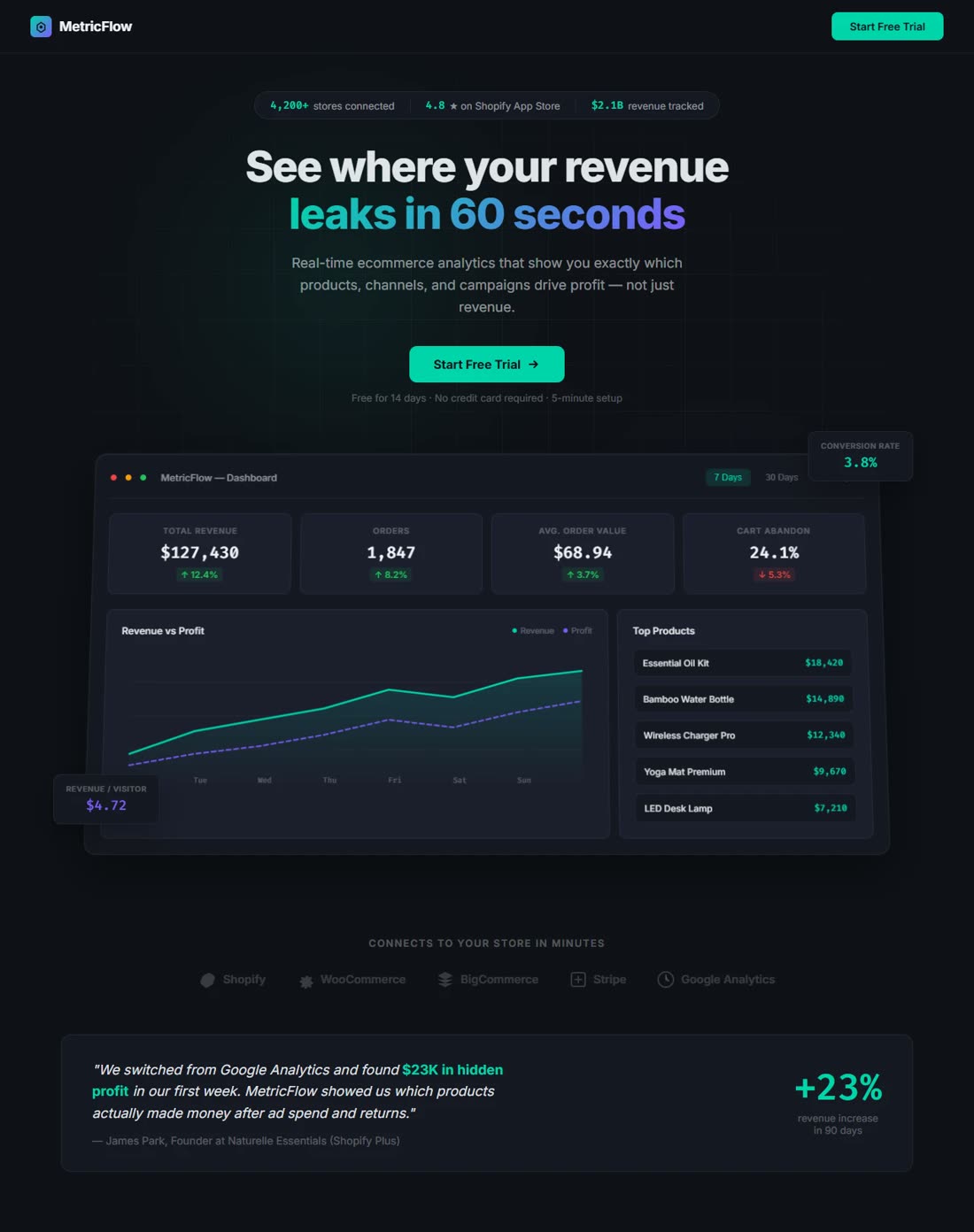
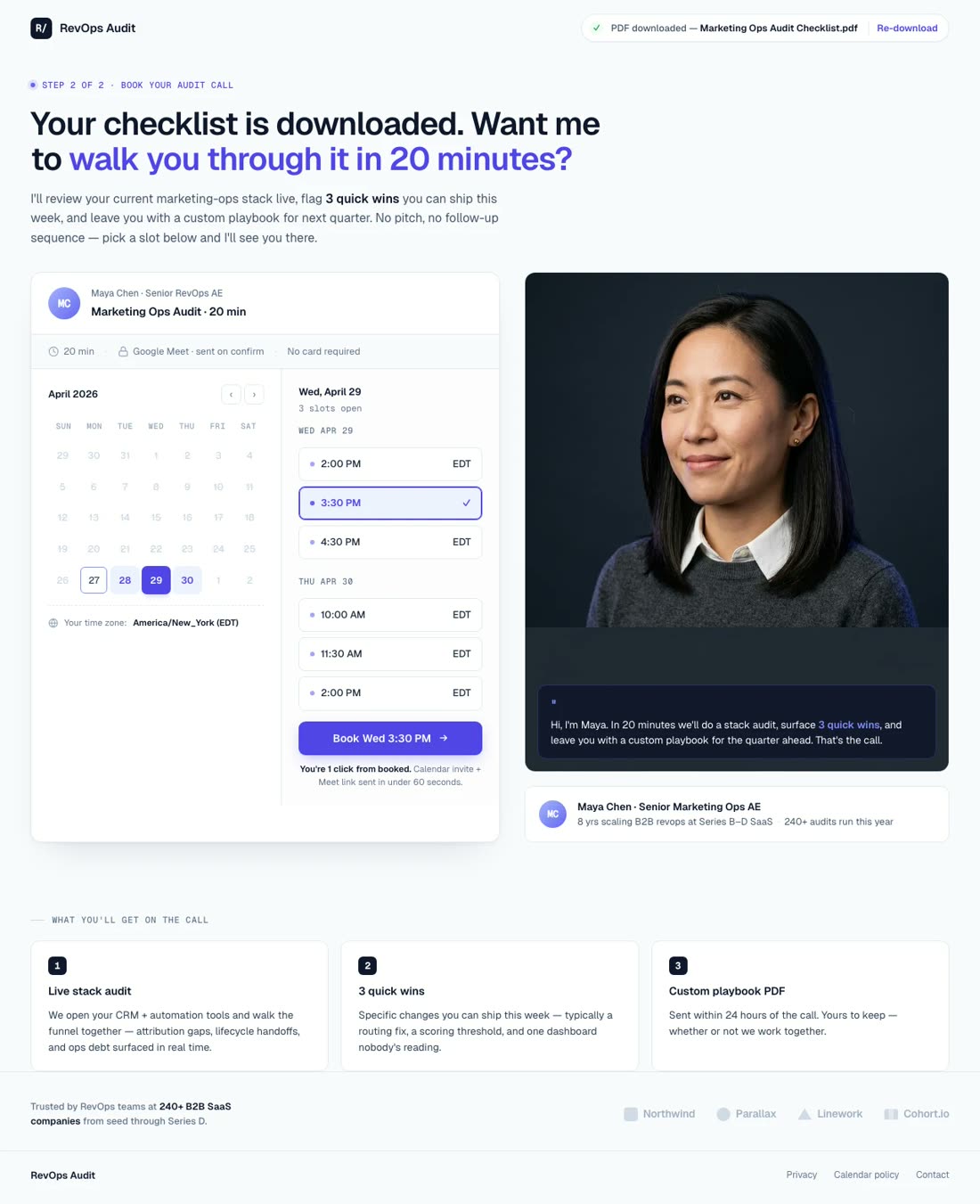
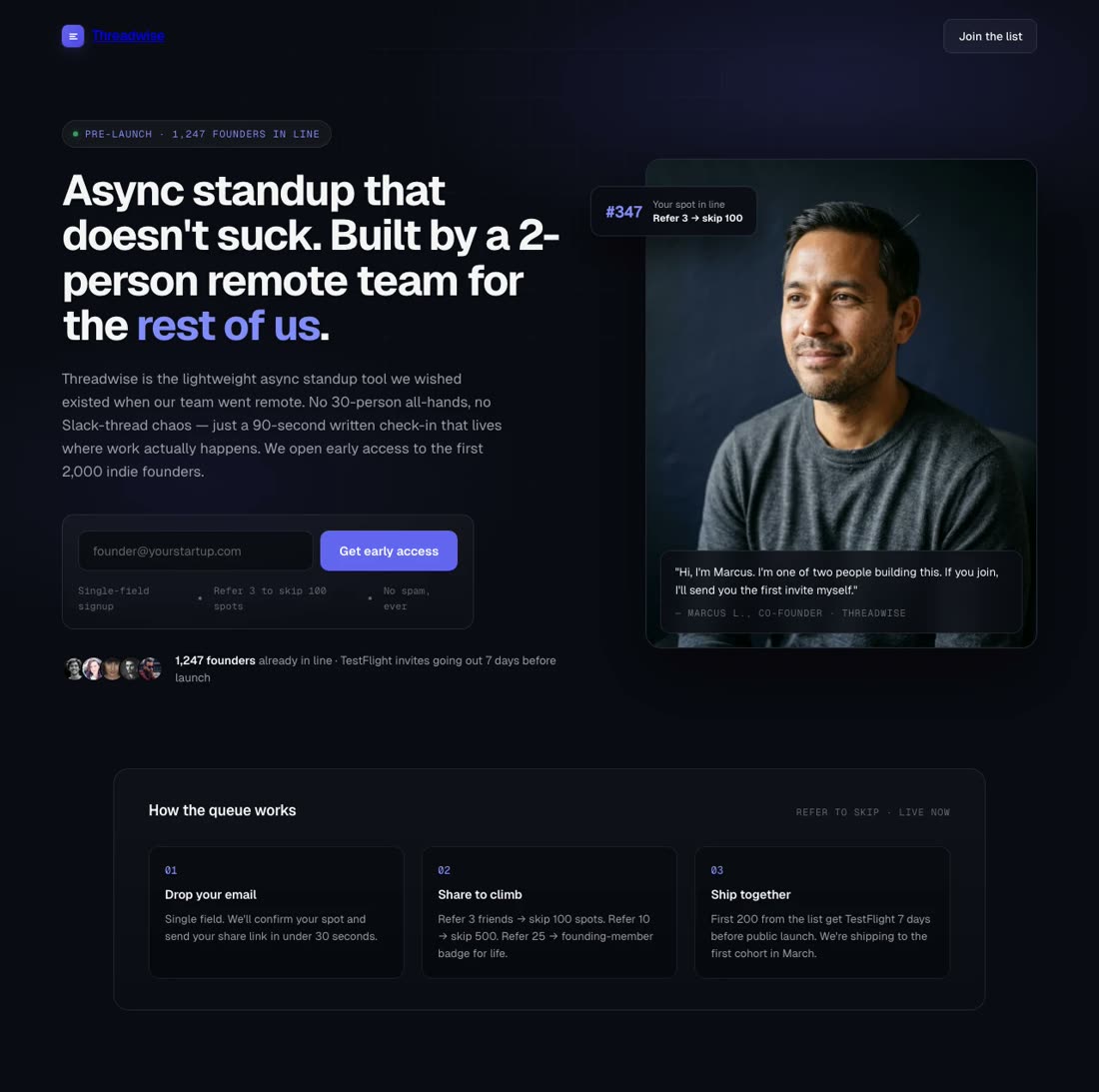
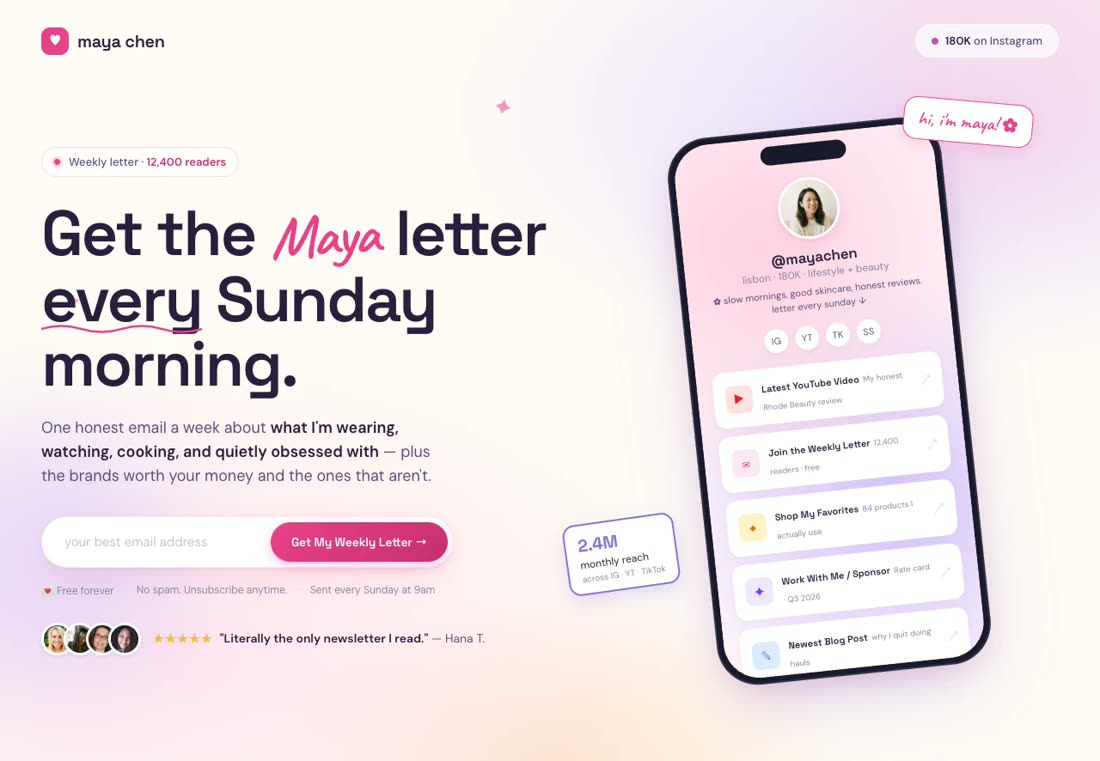
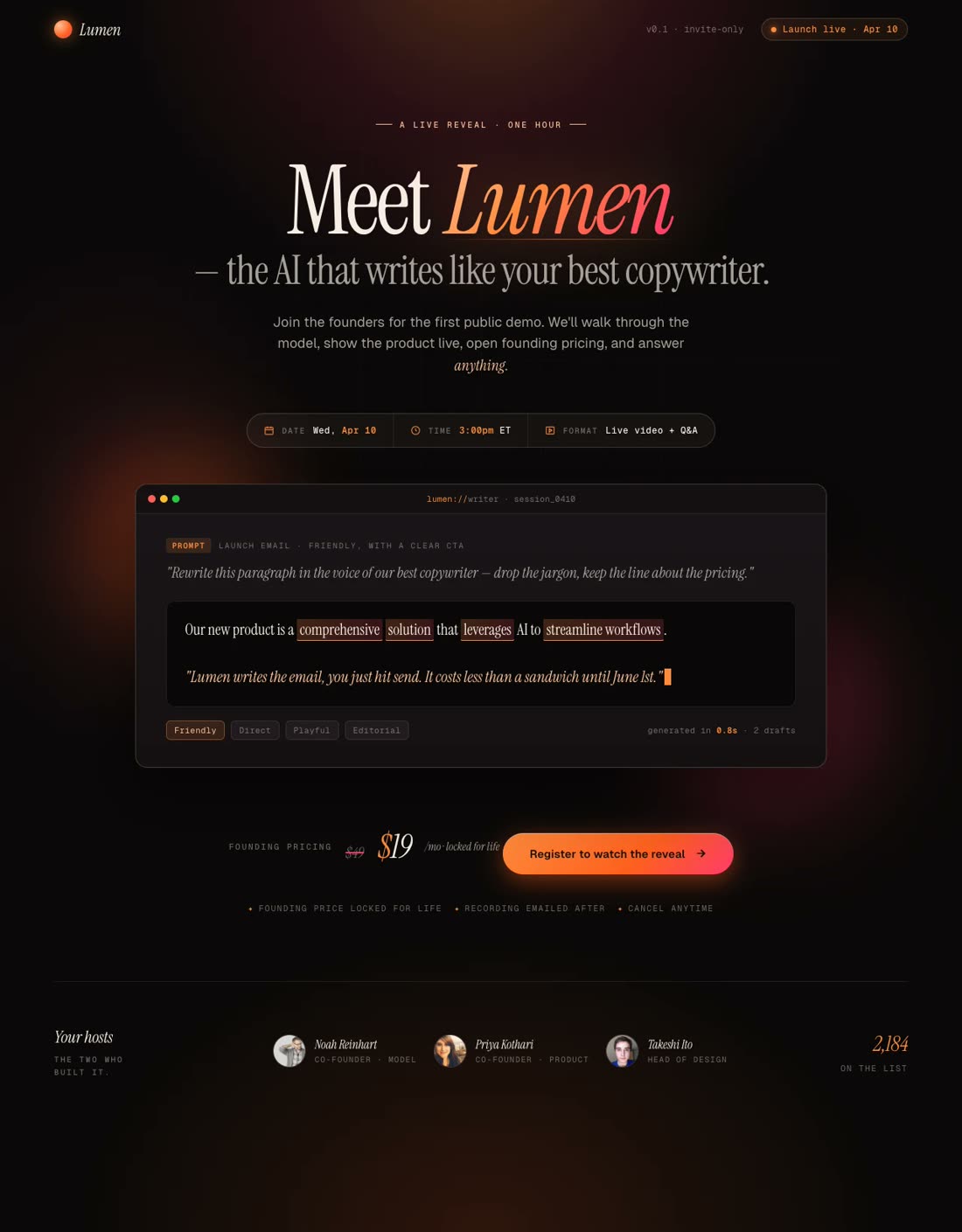
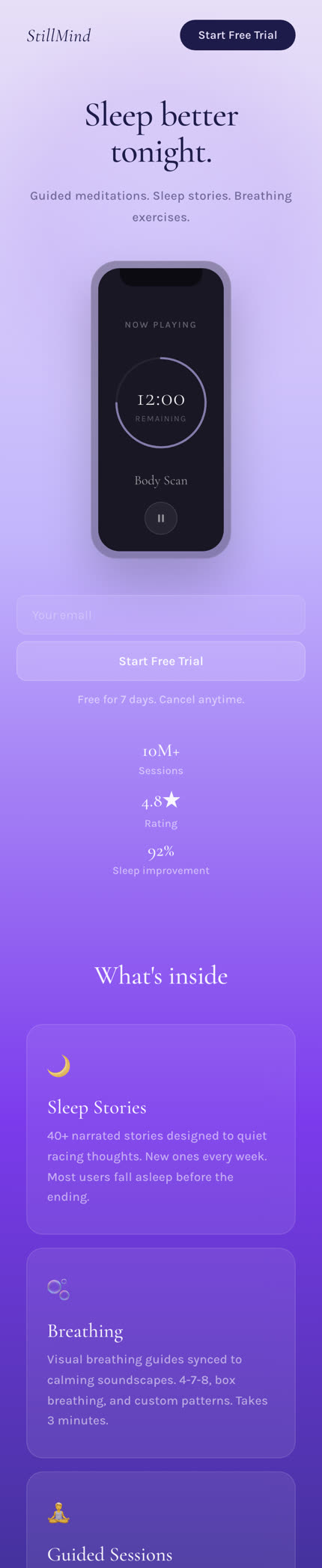
Six landing pages you can build for the app
Page Speed
Swipe Pages uses AMP technology and runs 20+ speed tasks when you publish. Your screenshots are sized and loaded so they do not hold the landing page back. More of the taps you pay for reach the store button.
AI Builder
It builds the design and the copy together, and generates the images. Ask for a change in chat and it rebuilds that part. Clone it for the next campaign, so every campaign gets its own.
Try Swipe Pages for Free
Conversion Blocks
Drop your screenshots into a gallery or a carousel, and a tap opens one in a lightbox. Embed your demo video with the player you already use. Both are Conversion Blocks, so nobody has to design them.
Drag and Drop
The drag and drop builder gives you exact control over where everything goes, with 150+ templates, prebuilt blocks, fonts, icons and your brand colors as swatches. Save them once and every landing page starts on brand.
Dynamic Text Replacement
Dynamic Text Replacement reads the values you pass in the ad link and prints them on the landing page, so the headline says what the ad said. One landing page serves ten ad groups.
Try Swipe Pages for FreeResponsive Breakpoints
Responsive breakpoints give every element its own settings at each screen size, so nothing is squeezed on a phone. Device visibility keeps a wide screenshot strip or a QR code on the desktop view only.
A/B Testing
A/B testing splits the traffic between your demo video and your screenshots. A conversion goal counts link clicks as well as form submissions, so every tap on your store buttons is counted per version. Keep the one people tapped more.
AI CRO Agent
The AI CRO agent reads your published landing page and comes back with one change, the reason and the lift it expects. Publishing is your call.
Try Swipe Pages for Free Meta AdsLead event
 Google Ads
Conversion APIs
Every signup goes back to Meta, Google Ads and TikTok, so the platform can find more people like them. No server and no developer.
Performance at Scale
A spike in traffic does not slow the landing page down, so a feature or a post that takes off does not cost you visitors.
Try Swipe Pages for FreeProof
4.8174 reviews4.9176 reviewsI love how easy it is to create web pages using Swipe Pages. Also, love using the forms and leads capture, integration with a lot of tools and the mobile slide pages that will make your pages look like an app.
They've got this feature where you can make mobile versions of your pages that look like Instagram Stories. It's got a CTA that's always in sight, and it's something I haven't seen with any other tool.
The best thing I like about Swipe Pages is their Smart pages option, which means that mobile traffic will only be directed to a landing page where you can only swipe sections of your page instead of scrolling. This to me is a real game-changer because it makes content more bite-sized.
We are very happy with the tool overall, but the thing that stood out the most for our clients is their unique Swipe page template. It works like a charm for mobile users with an easy to slide cards along visible call to action buttons.
This tool makes designing pages much quicker, and it's also easier to test different pages to see how my advertising is working.
For clients with regular business websites who want to make a new promo and generate more leads, we don't need to install a ton of plugins and integrations and make endless optimisations on main-websites. Because now we use Swipe Pages.
FAQ
Both store buttons sit on the app landing page and the person taps the one for the phone they are holding.
No. It counts the taps on your store buttons and stops there. Apple and Google report the installs in App Store Connect and Play Console.
A landing page you send people to instead of straight to the store. It carries your screenshots, your demo video and both store buttons, and Swipe Pages publishes it on your own domain.
AMP is a framework Google developed for building pages that load instantly on a phone. It later evolved into Bento AMP, so its parts and best practices can be used anywhere on a page rather than only on a full AMP page. Swipe Pages builds on those best practices. Images are sized and loaded the way the framework does it, CSS and JavaScript are compressed and kept small, fonts load without holding the page back, and 30+ optimization tasks run every time you publish. Pages built with the drag and drop builder can be published as AMP pages. Pages built by the AI Builder use the same best practices and are served from a CDN in 40+ locations.
Startup is $39/mo, or $29/mo billed yearly. Marketer is $89/mo and Agency is $199/mo, with lower prices when you pay yearly. Every plan starts with a 14-day free trial, no credit card required.
Start a 14 day full featured trial. No Credit Card Required.