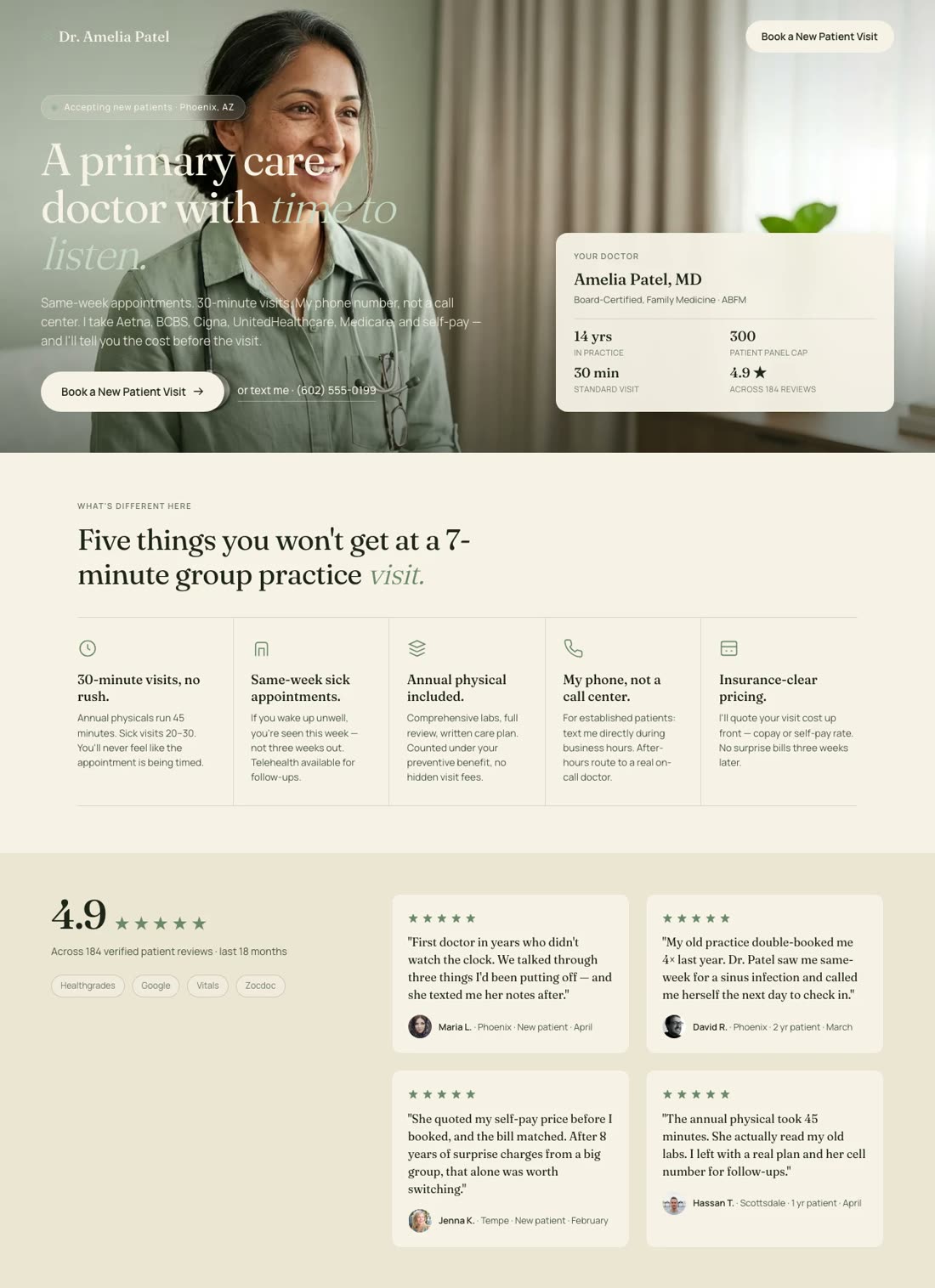
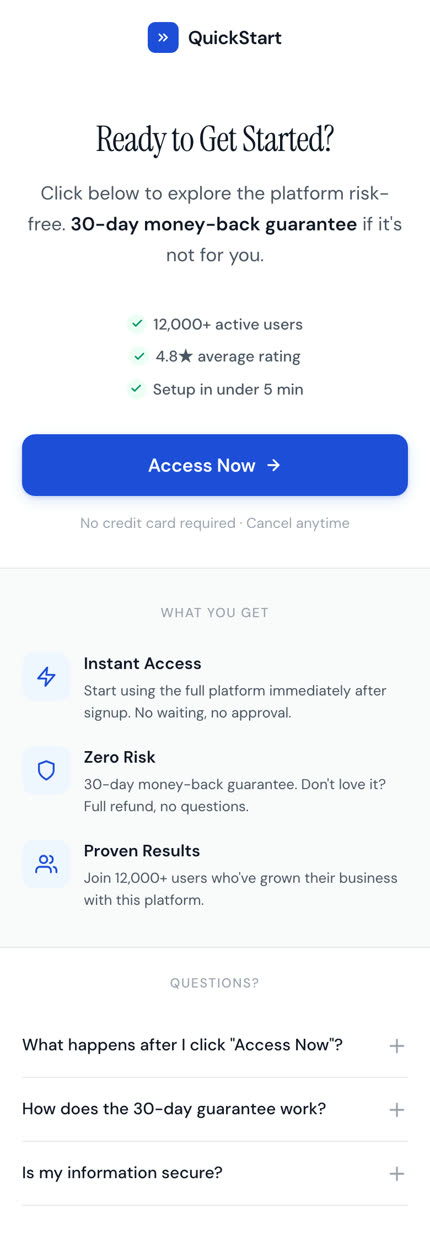
A thank you page that confirms the inquiry and offers one appointment time.Recreate with AI
Book a callPut the booking step directly after the confirmation while the visitor still expects a next action.


AFTER THE CONVERSION
Somebody just said yes, which makes it the one moment they are most likely to say it again. Swipe Pages turns the thank you page into a next step, an upsell or a referral ask.
 4.8
4.8 174 reviews4.9
 176 reviews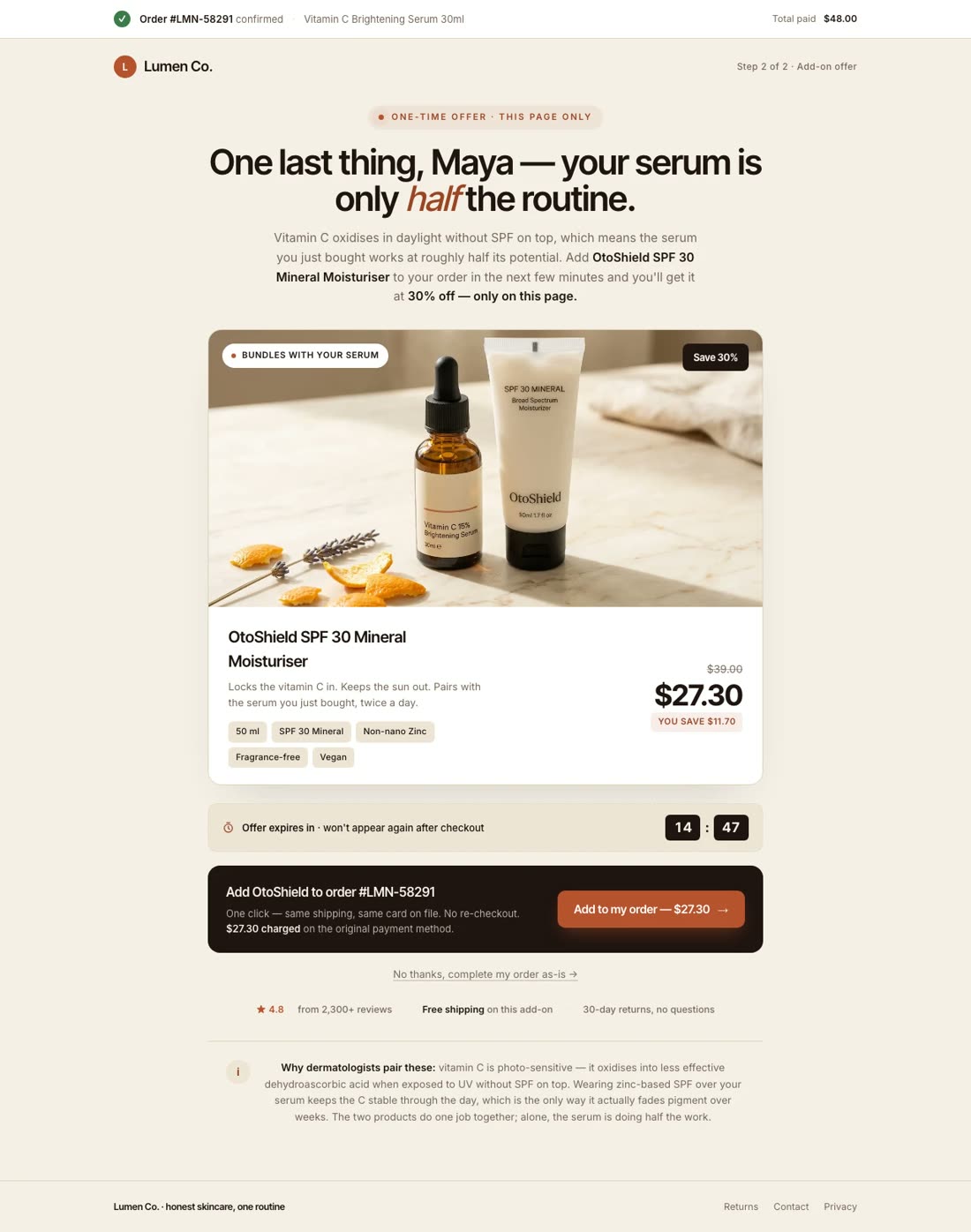
 MailchimpMailchimpContact routed
The problem
Someone has just bought or signed up, but the page gives them no useful next action. The campaign stops at a line of text.
When the confirmation page keeps a mobile visitor waiting, they can close the tab before a browser-side tag has time to load.
The answer
You have already paid for the visit. Use the page after the form to confirm the action, deliver what you promised and make the next useful offer.
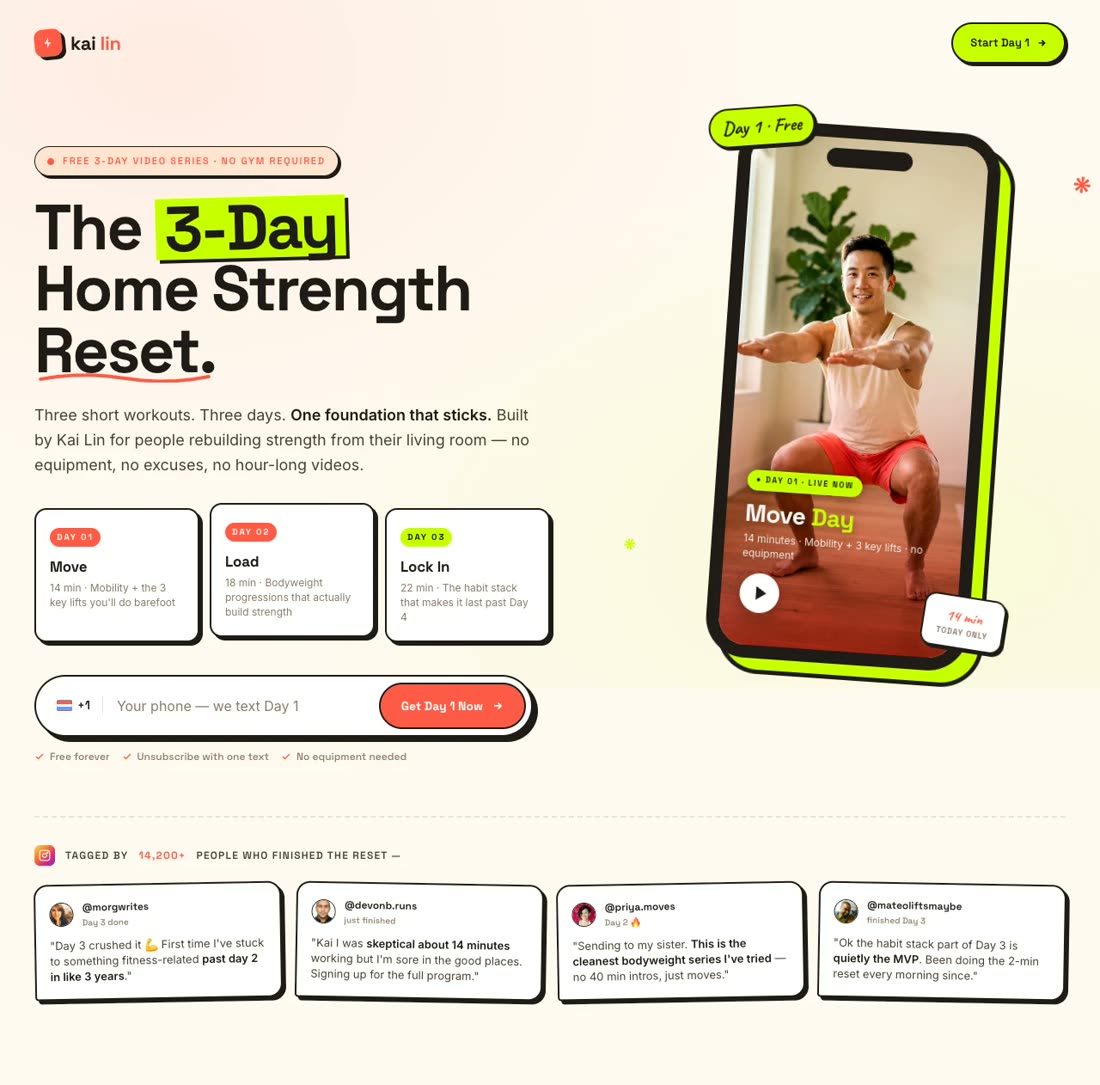
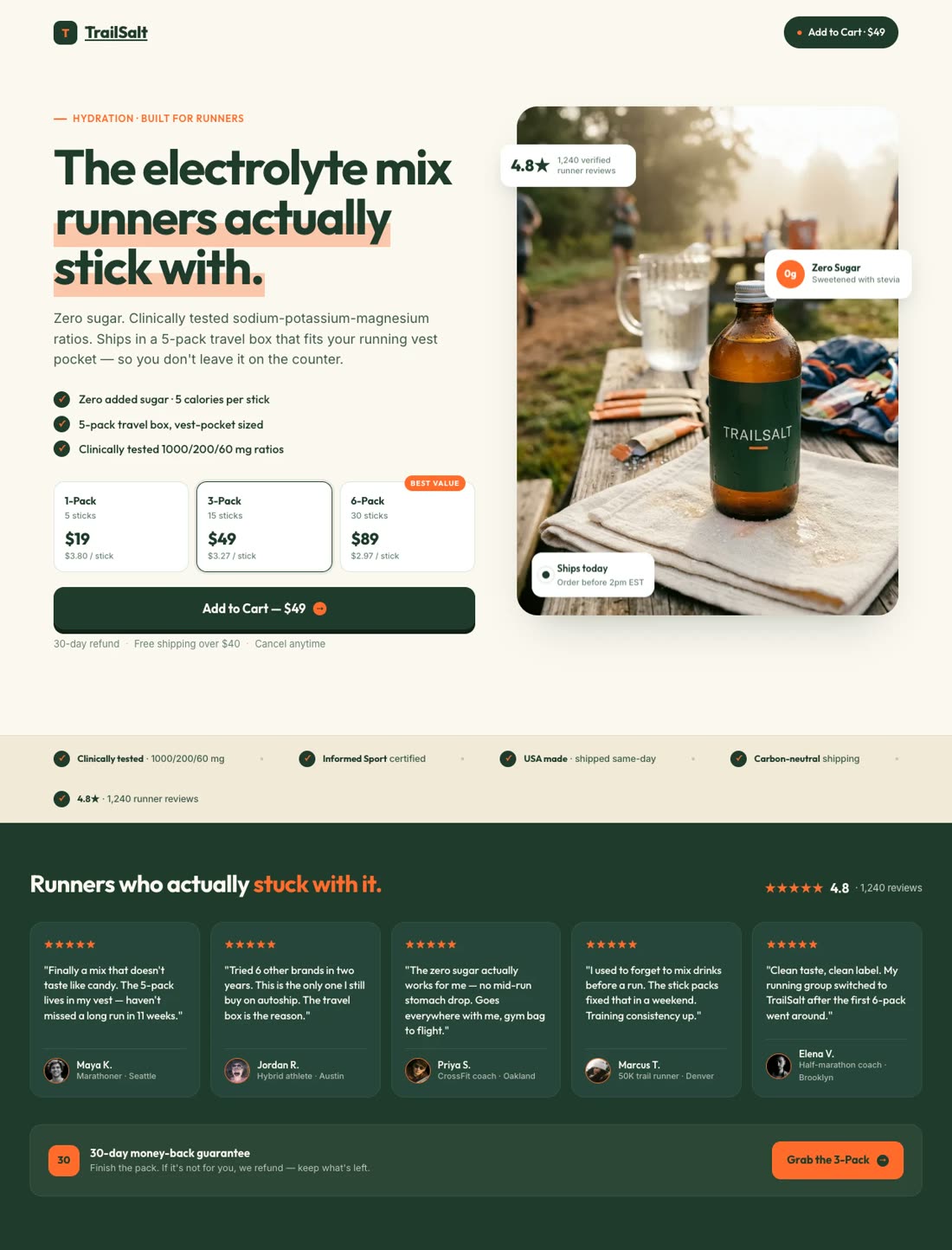
Six thank you page examples you can build
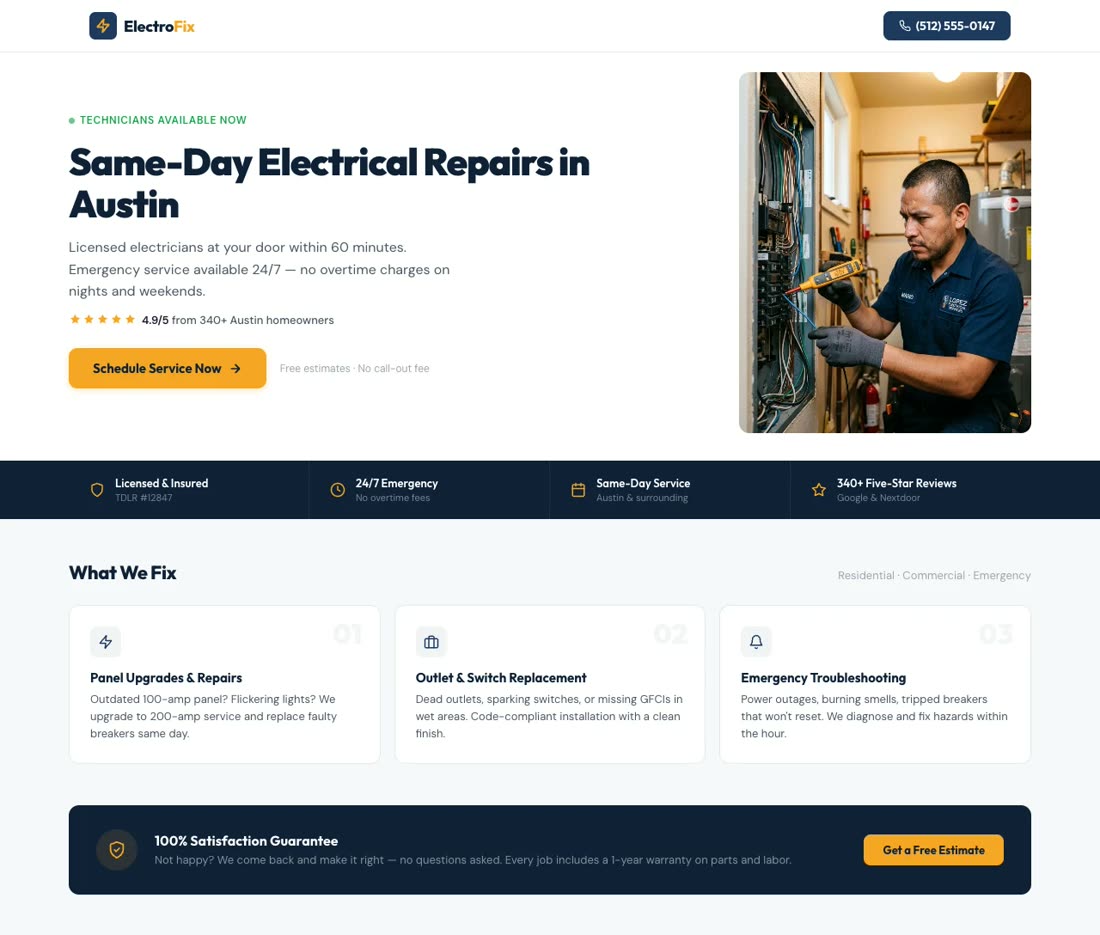
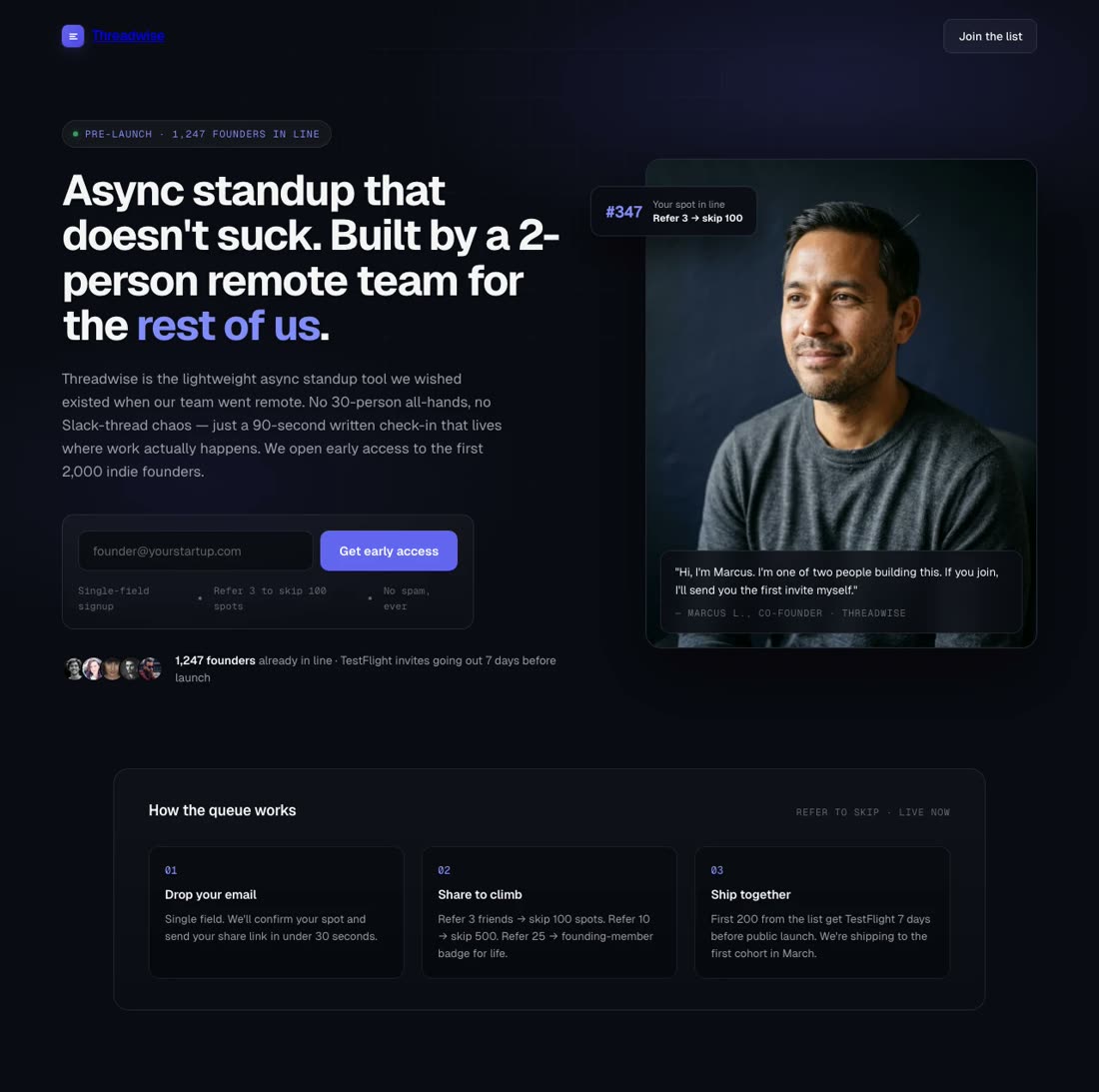
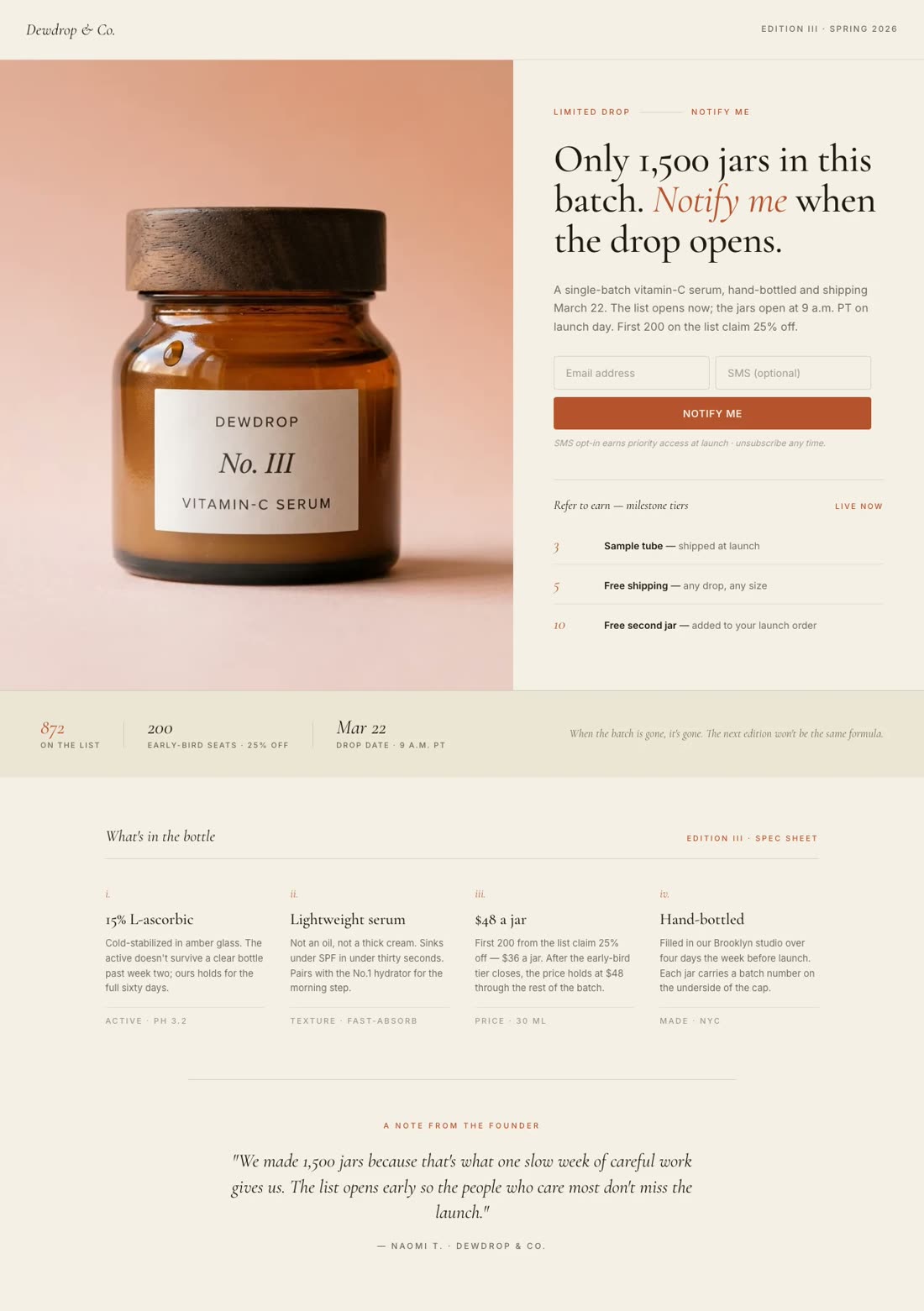
AI Builder
Tell Swipe Pages what people signed up for and what should happen next. It builds the landing page, copy, layout and images together in your brand colors and fonts. Ask in chat and it rebuilds any part.
Try Swipe Pages for FreeConversion Blocks
Put the next useful action on the page with a download button, calendar link, pricing block or second offer. If the next step belongs in another tool or store, point the button there.
Mailchimp HubSpot
 Zapier1 submission
File & Contact Handoff
Lead Magnet delivery makes the promised file available after submission. The contact goes to HubSpot, Zoho, Mailchimp, ConvertKit, Constant Contact or Campaign Monitor directly, and anywhere else through Zapier. The email or CRM tool handles follow-up.
Script Manager
Add Google Analytics and Facebook Pixel with their own fields. Use Script Manager for Google Tag Manager and other browser-side tracking scripts, then choose whether each script runs account-wide or only on this page.
Start Your Free Trial GA4Google AnalyticsThank-you pageActive
 Meta AdsFacebook PixelThank-you pageActive
 GTMGoogle Tag ManagerAccount-wideActive
A/B Testing
Test a plain confirmation against a page with a download, call booking link or second offer. Swipe Pages splits visitors between the versions and shows conversions per variant, so you can promote the winner.
Page Speed
Swipe Pages uses AMP technology and runs 20+ speed tasks every time you publish. A faster thank-you page leaves less waiting between form submission and the next action, whether that is opening the file or loading a browser-side tag.
Build Your Thank You PageProof
4.8174 reviews4.9176 reviewsI have an eCommerce store, and landing pages and sales funnels are a big part of my marketing strategy. I use Swipe Pages to create quick landing pages for my ad campaigns and sales funnels. I sometimes also use it to redirect my clients to a special upsell offer after they make a purchase.
I collect leads and use the Lead Magnet feature to automatically send an email with the file to whoever fills out the form.
Swipepages is a simple and effective tool that will help you create high-converting landing pages without breaking a sweat. We love the user experience, interface and the fact that the development team is constantly working to improve the platform. A wonderful tool to have in our collection as an agency.
The latest development of mobile pages is such a killing feature. I like central editing, for example, CTA is being managed from single place.
It contains all the features required to implement effective landing pages, including the built-in ability to capture and manage leads, accept payments, integrate with other platforms and easily implement analytics systems.
I've been a Swipe Pages early adopter, and I noticed a steady improvement of the software, and AMP allows for the loading of a page more rapidly. This is my favorite tool for building landing pages.
FAQ
Confirm what happened, deliver what you promised and make one useful next offer while the visitor is still there. It is also a practical place for the browser-side tracking tag that records the form submission.
For a simple confirmation, it may be. A dedicated page becomes useful when there is a file to deliver, a next action worth showing or a browser-side tag that needs to load after submission.
Yes. Lead Magnet delivery can make a PDF guide, template or checklist available on the confirmation page after the visitor submits the form.
Google Analytics and Facebook Pixel have their own fields. Use Script Manager for Google Tag Manager and other browser-side scripts, and choose whether each one runs account-wide or only on the thank-you page.
AMP is a framework Google developed for building pages that load instantly on a phone. It later evolved into Bento AMP, so its parts and best practices can be used anywhere on a page rather than only on a full AMP page. Swipe Pages builds on those best practices. Images are sized and loaded the way the framework does it, CSS and JavaScript are compressed and kept small, fonts load without holding the page back, and 30+ optimization tasks run every time you publish. Pages built with the drag and drop builder can be published as AMP pages. Pages built by the AI Builder use the same best practices and are served from a CDN in 40+ locations.
Start a 14 day full featured trial. No Credit Card Required.