Instapage vs Leadpages 2026: Pricing, Features & AI Compared
Written By Swami
Instapage vs Leadpages in 2026: what each costs, where A/B testing starts, what their AI builds, traffic limits, checkout and who each one suits.


Written By Swami
Short answer: Unbounce is cheaper to start with and cheaper to test on, and you get a freer editor, popups and sticky bars. Instapage gives you unlimited conversions and contacts, 10 team members and AdMap for matching ads to pages, and its support gets better reviews. Neither one builds a landing page from a prompt. Unbounce charges you $80 per 10,000 extra visits, while Instapage can lock your account if you go past its limit. We checked prices on September 16, 2026.
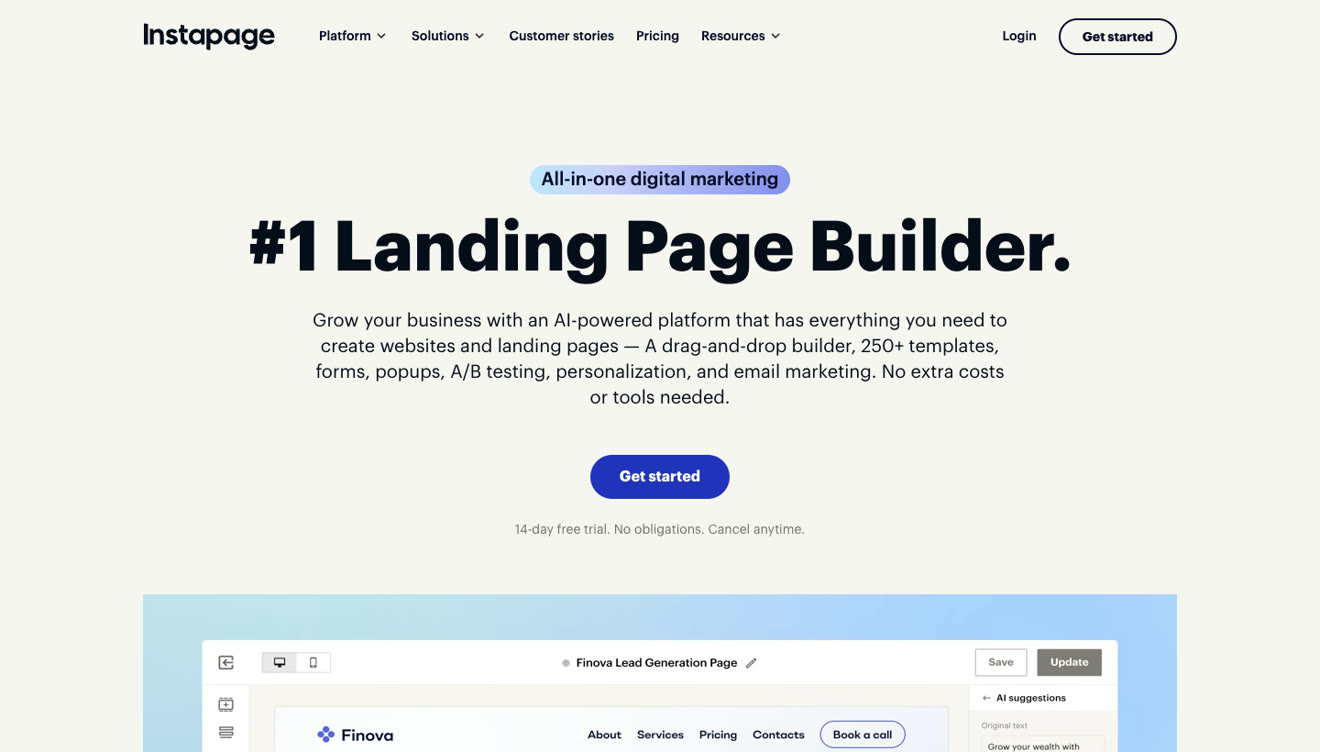
These two have been going after the same customer for about ten years now, the marketer who buys clicks and needs a page for each campaign. In 2026 they've drifted apart. Instapage has grown into a wider platform with websites, email and contacts. Unbounce has stayed a landing page tool and is betting on AI assistants that connect to it from outside.
This comparison uses current prices and plan limits from both sites, checked on September 15 and 16, 2026.
| Instapage | Unbounce | |
|---|---|---|
| Entry price | $99/mo, or $79 annually | $29/mo, or $22 annually |
| What the entry plan gives you | Unlimited pages, 15,000 visitors | 5 pages, 500 visitors |
| First plan for real campaigns | Create, $99 | Build, $99, 20,000 visitors |
| A/B testing from | $199/mo (Optimize) | $149/mo (Experiment) |
| AI traffic routing | AI Experiments, $199/mo | Smart Traffic, $249/mo |
| AI page building | No, copy per block | No, MCP connection to an outside assistant |
| Over the visitor limit | Account can be locked | $80 per 10,000 visits |
| Popups and sticky bars | Yes, every plan | Yes, from $99 |
| Checkout | No | No |
| Team members | 10 on every plan | 1, 3, 5, then custom |
| Free trial | 14 days, card, 2,500 visitors | 14 days, no card |
| Ratings | G2 4.3, Capterra 4.5, Trustpilot 4.7 | G2 4.3, Capterra 4.5, Trustpilot 1.9 |
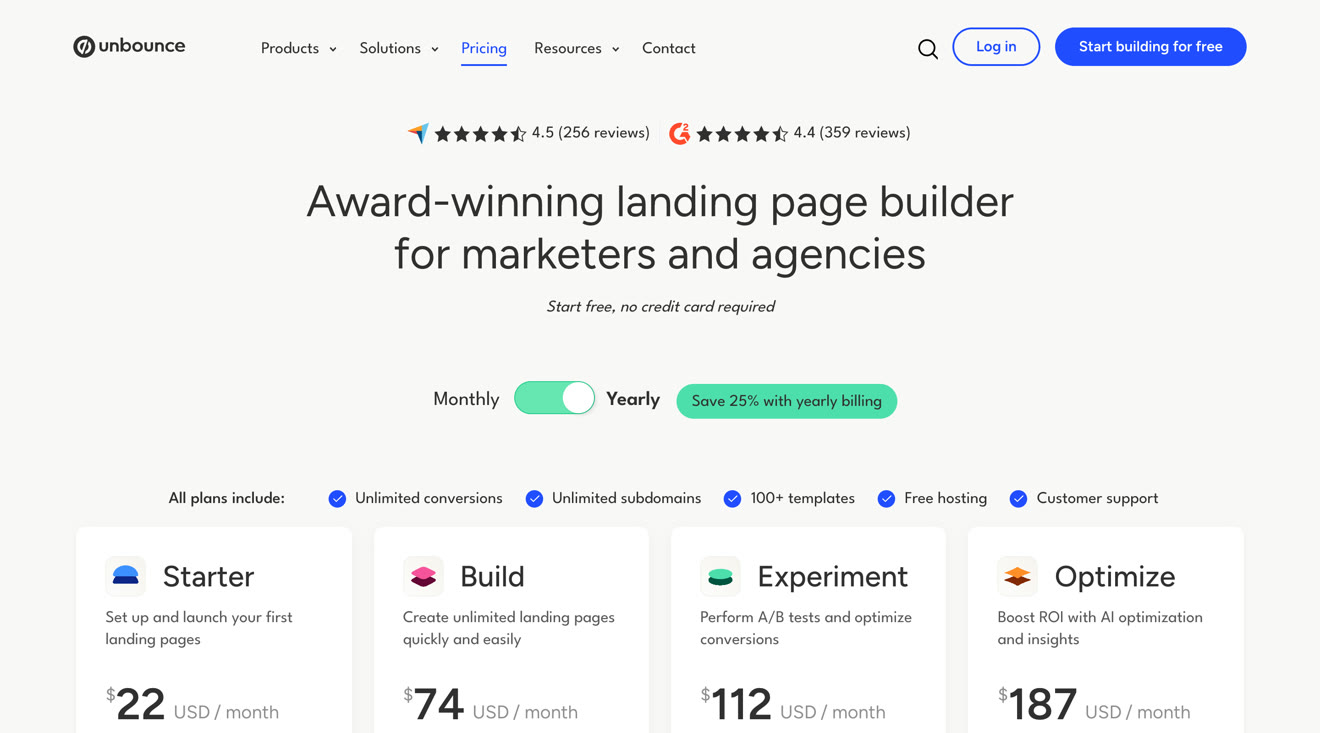
On the headline price, Unbounce is cheaper. Starter costs $29 a month and Instapage's entry plan costs $99. But Starter only gives you 5 pages, 500 visitors, 1 user, no popups, no A/B testing and no integrations. That's enough to publish a page, but it isn't a plan you can run campaigns on.
A fairer comparison is the first plan on each side that can carry real traffic.
| What you need | Instapage | Unbounce |
|---|---|---|
| Publish pages, 15,000 to 20,000 visitors | Create, $99/mo | Build, $99/mo |
| Run an A/B test | Optimize, $199/mo | Experiment, $149/mo |
| AI routing between variants | Optimize, $199/mo | Optimize, $249/mo |
| 50,000 visitors | About $299/mo | Optimize, $249/mo |
| Heatmaps | Convert, custom quote | Not offered |
| Agency or enterprise | Convert, custom quote | Agency, custom quote |
At the same traffic level they cost about the same. Unbounce is $50 cheaper when you want to start testing, and Instapage is $50 cheaper once you want AI routing. Neither one is cheap, and on both you'll pay more for the plan that includes testing than most landing page tools charge for everything.
Annual billing saves you 20% on Instapage and 25% on Unbounce.
Here's where the two really differ on cost, and it's on neither pricing page.
Unbounce charges you $80 for every extra 10,000 visits, or any part of that, under terms that took effect on November 10, 2025. It's a one-time fee, invoiced separately and due when you get it. You'll get alerts at 85% and 100% of your allowance. If a campaign runs 30,000 visits over, that adds $240.
Instapage doesn't publish a rate at all. Its help center says you get a notice at 80% of your allowance, your account can be locked once you pass the limit, and your pages may be unpublished if you stay over for several billing cycles. To upgrade, you talk to sales.
Going over on Unbounce costs you a fee, and going over on Instapage can stop your campaign. If your paid traffic is spiky, that's a bigger deal than the monthly price.
The plan price doesn't tell you what you'll actually pay over a year. Here's what a year looks like on each one, for a campaign running 40,000 visitors a month with one A/B test live.
| Instapage | Unbounce | |
|---|---|---|
| Plan needed for testing | Optimize | Experiment |
| Visitors included | 30,000 | 30,000 |
| Monthly plan price | $199 | $149 |
| 10,000 visitors over, each month | Upgrade through sales, account can be locked | $80 |
| Realistic monthly total | $299 on the expanded tier | $229 |
| Twelve months | About $3,588 | About $2,748 |
| Twelve months on annual billing | About $2,868 | About $2,244 plus overage |
Unbounce comes out cheaper at this traffic level even after you add the overage fee. And when you go over on Instapage, you're on a call with sales instead of paying a line on an invoice.
For comparison, the same campaign on Swipe Pages fits on the $89 Marketer plan with 50,000 visitors included. That's $1,068 a year, or $828 if you bill annually, and there's nothing to negotiate.
Both platforms put AI on the homepage. But neither one means what most marketers expect it to mean now.
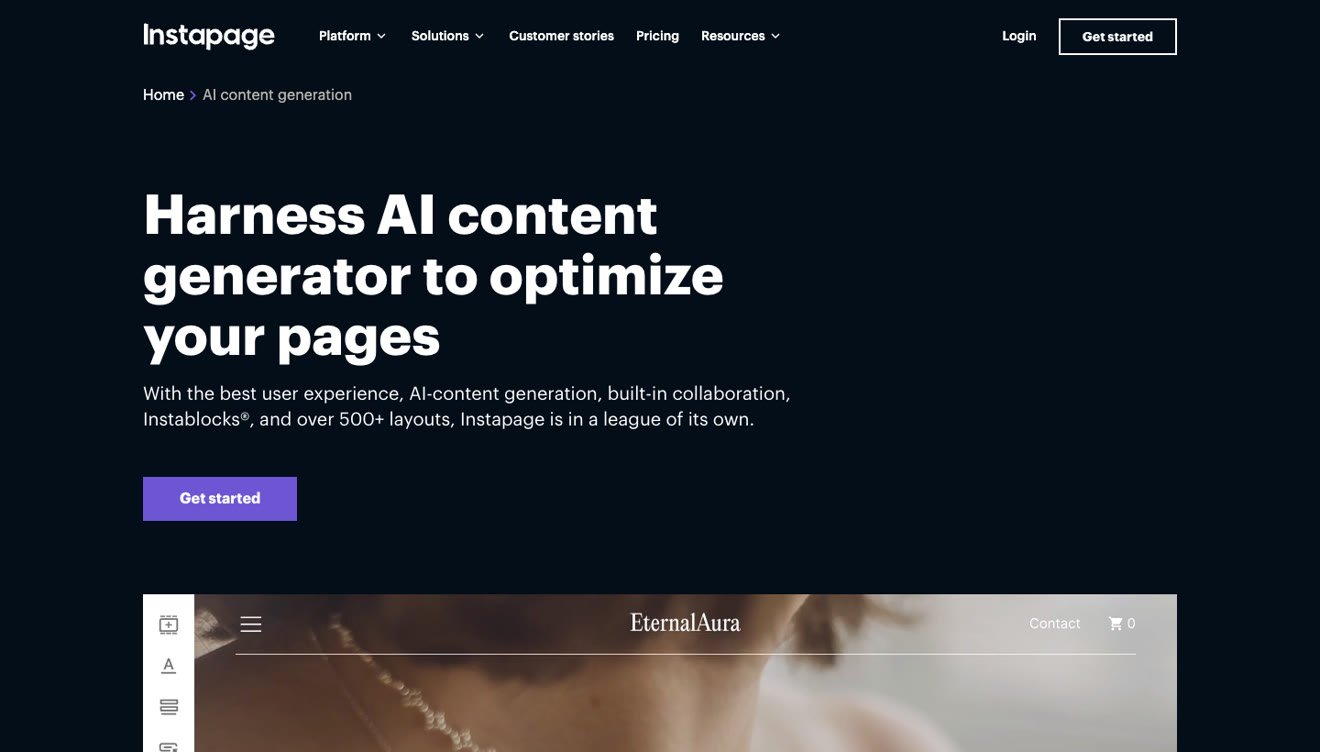
Instapage gives you AI content, which rewrites or writes copy for a block you've already placed on the page. It also has AI Experiments, which sends ad traffic to the better variant for you, AI text for its programmatic Collection pages, and AI schema markup, which it added in March 2026. We couldn't find a prompt-to-page builder, image generation, a research agent or anything that audits a page once it's live.
Unbounce has AI copywriting inside the builder from the $99 plan, and Smart Traffic on the $249 plan, which sends each visitor to the variant most likely to convert for someone like them. Its bigger move in 2026 was adding an MCP server on every plan. That lets an AI assistant you already pay for build and edit pages in your account. It's useful, but it isn't the same as a builder. The AI isn't Unbounce's, you subscribe to it separately, and the plan gates still apply, so if you want to test through the assistant you still need the $149 plan.
In other words, neither one will take a description of your campaign and hand you a finished, branded page. Swipe Pages does that on every plan, and its AI Strategy agent will also audit the pages you've already got live.
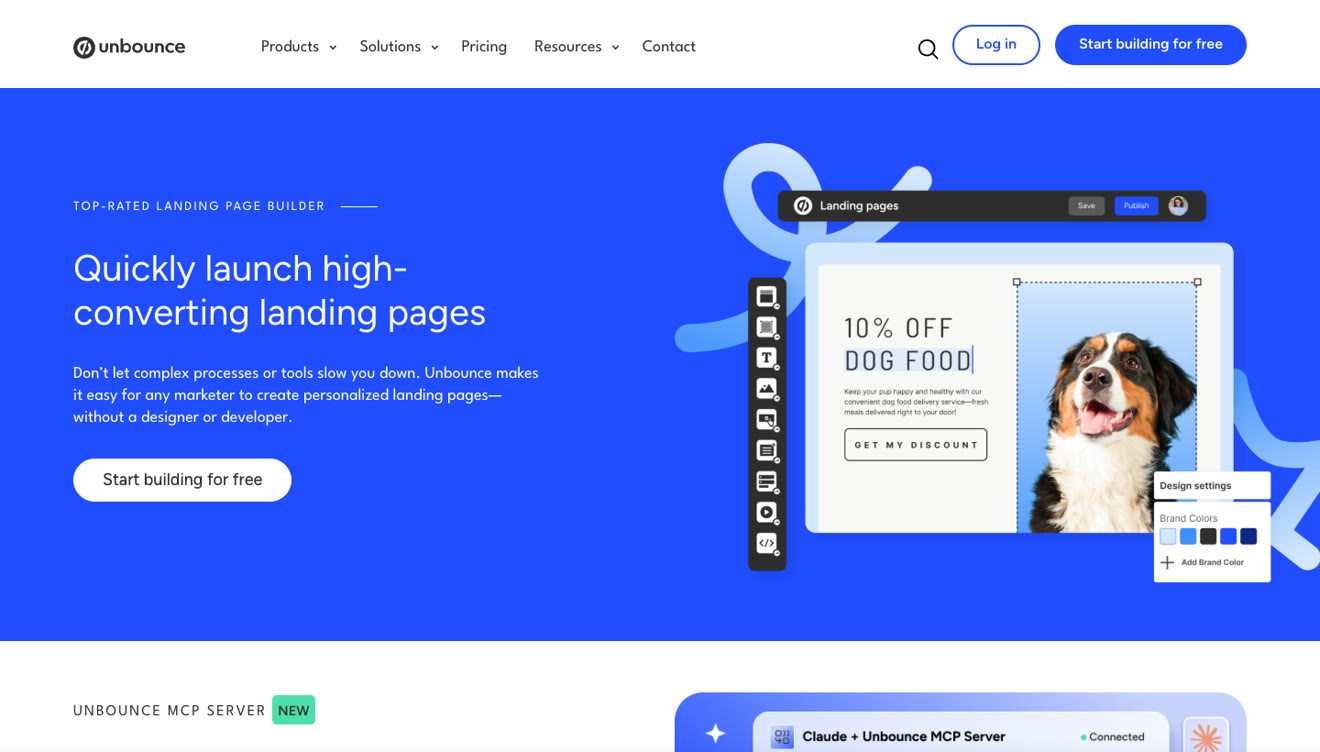
Unbounce gives you a free canvas. You can put elements anywhere you like, which designers love and which takes longer to learn. Reviewers mention both sides of that. You get a lot of control, and it takes a while to learn.
Instapage is more structured. It has Instablocks, which are reusable blocks that keep a set of pages consistent, plus real-time visual collaboration on every plan. That's the nicer experience when a client wants to comment on a draft.
On mobile they've got the same weakness. Instapage reviewers say the layouts are desktop-first and you adjust the mobile version afterwards. Unbounce gives you a separate mobile layout, and you maintain it by hand. Neither one builds a phone-first page for you.
If you're buying paid traffic, page speed shows up in your cost per conversion. Neither platform makes a strong claim with a number attached in 2026.
Instapage points you to its Thor Render Engine, with servers in North America, Europe and Asia and redundancy across two cloud providers. Its page doesn't give a load-time figure. Older marketing used to claim 3x faster, but that's gone from the current page.
Unbounce includes a speed boost feature and an automatic image optimizer on every plan, including Starter. It publishes a page about page speed, but not a benchmark.
Mobile is the weaker half for both of them. Instapage's own reviewers describe the layouts as desktop-first, with the phone version adjusted afterwards. Unbounce lets you build a separate mobile layout, which gives you real control, but it's also real work, and you repeat it on every page.
If most of your clicks come from phones, expect to do the mobile work yourself on both. Neither platform solves it for you.
| Feature | Instapage | Unbounce |
|---|---|---|
| Pages | Unlimited on every plan | 5 on Starter, unlimited from $99 |
| Conversions | Unlimited | Unlimited |
| Contacts | Unlimited | Not a metered feature |
| Popups and sticky bars | Every plan | From $99 |
| A/B testing | $199/mo | $149/mo |
| Dynamic text replacement | $199/mo | $149/mo |
| Ad-to-page mapping | AdMap, $199/mo | Not offered |
| Heatmaps | Convert, custom | Not offered |
| Global elements | Convert, custom | Not offered |
| Email sending | Included, with send limits | Not offered |
| Programmatic pages | Collections, every plan | Not offered |
| Team members | 10 on every plan | 1 to 15 by plan |
| Integrations | Native plus a public API | 1,000+ from $99 |
Instapage wins this table on what's included. Unbounce wins on the editor and on the price of testing. Neither has checkout, so if you sell on the page you'll need a third tool.
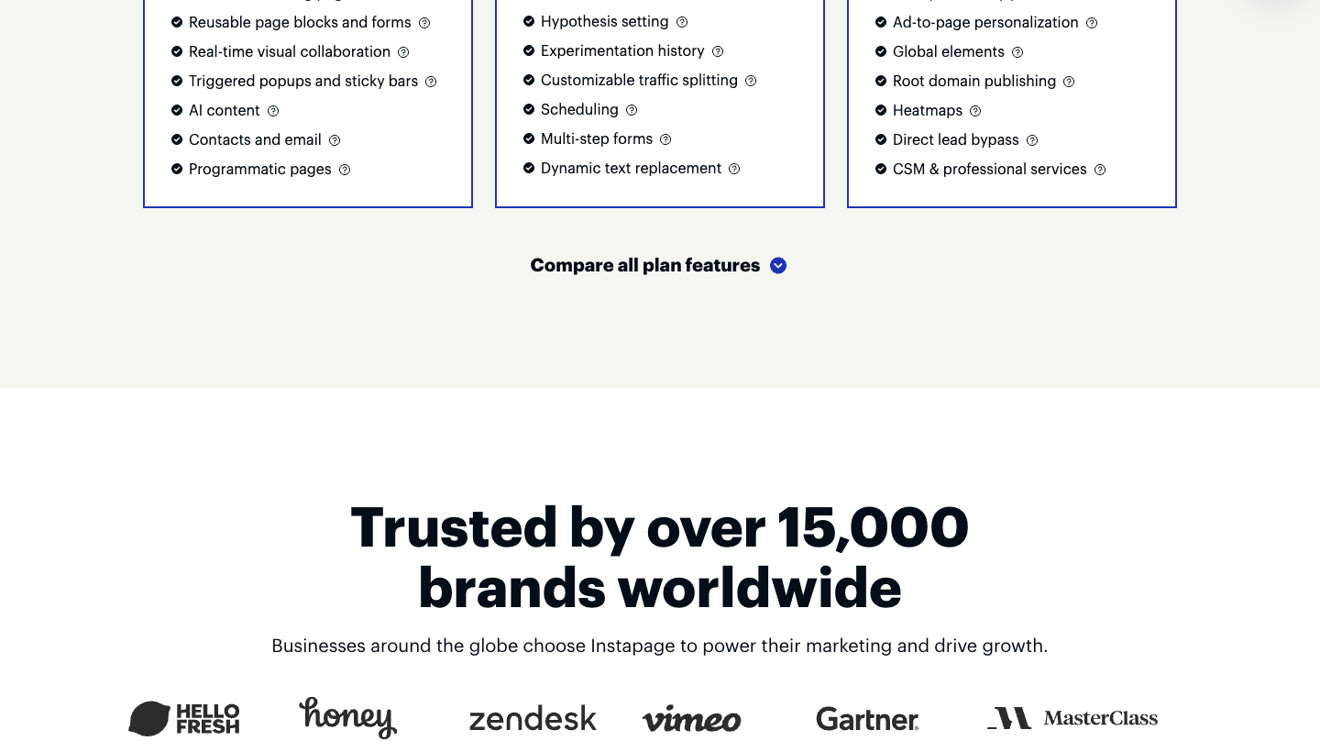
Unbounce lists 1,000 or more integrations from the Build plan, plus custom scripts and pixels for anything that's missing. Starter has none of them, which is one more reason it doesn't work as a campaign plan.
Instapage connects to the usual CRM, email and analytics tools, and it added a public API in 2025, with call limits by plan. Because it now holds your contacts, lists and email sending, more of your data lives inside it than it would with Unbounce.
Keep that in mind if you ever leave. Third-party reviews say Instapage pages export in its own format rather than as HTML, so moving means rebuilding your pages and exporting your contacts separately. Neither platform makes migration easy, so it's something to think about before you standardize on either one.
The ratings look similar, but the reasons behind them are different.
| Instapage | Unbounce | |
|---|---|---|
| G2 | 4.3 (521 reviews) | 4.3 (386 reviews) |
| Capterra | 4.5 (365 reviews) | 4.5 (257 reviews) |
| Trustpilot | 4.7 (425 reviews) | 1.9 (180 reviews) |
Here's what explains the Trustpilot gap. Around 30 of Instapage's 35 most recent Trustpilot reviews name or thank a support agent, which is what you see when a company invites a review after a support chat. People do like its support, though. Unbounce's recent Trustpilot reviews are mostly about money. Reviewers mention price increases, one agency says its bill went up 415% in under a year, and some report charges after canceling.
The product complaints are more alike than the scores suggest. Instapage users mention price, the $100 jump to get testing, desktop-first mobile layouts and waiting for features. Unbounce users mention price rises, support speed and the learning curve on the canvas.
Choose Instapage if you run a lot of campaigns and need AdMap, you want unlimited conversions and contacts, you need 10 seats, or you'd like email and programmatic pages in the same tool.
Choose Unbounce if you want the most flexible editor, you need popups and sticky bars, you'd rather start testing at $149 than $199, or you're planning to build pages from an AI assistant through MCP.
Choose neither if you want AI to build the page and keep improving it after launch, you need checkout on the page, or you can't have a traffic spike stopping a campaign.
Say you're running a lead generation campaign that spends $5,000 a month, sends 40,000 clicks and converts at 3%. That's 1,200 leads.
On Instapage, you'd build the page in a precise editor, use AdMap to keep your 20 ad groups pointed at the right variants, and test on the $199 plan. You'd also watch the visitor counter, because 40,000 is over the 30,000 included and the fix is an upgrade, not a fee.
On Unbounce, you'd build on the canvas, test from $149, and pay $80 for the 10,000 visits over your allowance. If you wanted Smart Traffic to route visitors for you, you'd need the $249 plan.
In both cases the mobile version of the page is your job, and neither platform will tell you what's wrong with the page once the campaign starts. That gap costs you more than the plan price. A 0.5 point lift in conversion rate on this campaign is 200 more leads a month with no extra ad spend, far more than the difference between any of these plans.
A performance marketing team running many ad groups. Instapage, for AdMap and the 10 included seats. The ad-to-page map has no real equivalent anywhere else.
A designer or a small team that cares about layout. Unbounce, for the free canvas and popups, as long as you're okay with the learning curve.
A lead generation team on a fixed budget. Unbounce at $149, because testing is the job and it's $50 cheaper. Or pick a platform that includes testing lower down, like Leadpages on its entry plan or Swipe Pages at $89.
An agency with client domains. You'll need a sales call with either one. Unbounce's Agency plan starts at 10 root domains, and Instapage puts global elements and root domain publishing on its Convert plan, both custom priced.
A business that sells on the page. Neither, since you'd need a third-party checkout with both.
A team whose traffic spikes. Unbounce, because paying a fee beats a locked account, though $80 per 10,000 visits makes a good month expensive.
Swipe Pages sells to the same buyer, and the differences are the ones we've kept running into.
Built for phones. Pages get optimized when you publish, they're served from a global CDN, and Smart Pages give phone visitors an app-like, swipeable version.
Conversion blocks. Multi-step forms, offers, buttons and proof that you drop into a page.
An AI that builds the page, including lead quizzes and checkout pages, then makes precise edits by chat.
An AI Strategy agent that researches your competitors and audits your live pages, then hands you a prioritized report the AI Builder can apply or turn into a split test on Marketer and Agency.
Testing at $89 a month, instead of $149 or $199.
A published overage rate, $5 per 5,000 visits, so nothing gets locked and nothing gets unpublished.
Checkout on every plan, with Stripe, PayPal and Razorpay.
An agency plan with a price: $199 a month, 500,000 visitors, unlimited client sub-accounts and no domain cap.
| Instapage | Unbounce | Swipe Pages | |
|---|---|---|---|
| Entry price | $99/mo | $29/mo (5 pages, 500 visitors) | $39/mo |
| A/B testing from | $199/mo | $149/mo | $89/mo |
| AI builds a page | No | No | Yes |
| AI audits live pages | No | No | Yes, every plan |
| Over the limit | Account can be locked | $80 per 10,000 visits | $5 per 5,000 visits |
| Checkout | No | No | Stripe, PayPal, Razorpay |
| Trial | 14 days, card | 14 days, no card | 14 days, no card |
For most marketers in 2026, Unbounce is the better buy of the two. Unbounce starts testing $50 cheaper, it has the better editor, and its trial doesn't ask for a card. Instapage is the better buy if AdMap, unlimited contacts and 10 seats sound like your team, and its support is the best reviewed of the major platforms.
But if you're asking which one to pick, remember that both price A/B testing like a premium feature, and neither one has an AI that builds or improves your pages. If you're buying either for paid traffic, compare them with Swipe Pages first, then see the wider market in our Instapage alternatives and Unbounce alternatives guides.
Unbounce starts cheaper at $29 a month, but that plan only gives you 5 pages and 500 visitors. At comparable traffic both cost about $99. Unbounce is cheaper for A/B testing at $149 against $199, and Instapage is cheaper for AI traffic routing at $199 against $249.
Unbounce, on price and depth. You get unlimited variants, manual traffic allocation and confidence intervals from $149. Instapage's server-side testing starts at $199 with hypothesis setting and experiment history, and it adds AI Experiments at the same tier.
Neither builds a full page from a prompt. Instapage writes copy inside blocks you've placed. Unbounce has AI copywriting plus an MCP server that lets an outside AI assistant build pages in your account. Swipe Pages has a native AI Builder and an AI Strategy agent that audits your live pages.
Unbounce charges you $80 for every additional 10,000 visits. Instapage doesn't publish a rate. Its help center says your account can be locked, and your pages may be unpublished if you stay over for several billing cycles.
Neither publishes an agency price. Unbounce's Agency plan starts at 10 root domains, and Instapage puts global elements and root domain publishing on its custom Convert plan. Swipe Pages publishes its Agency plan at $199 a month with unlimited client sub-accounts and no domain cap.
Neither is strong here. Instapage layouts are desktop-first, and Unbounce gives you a separate mobile layout to maintain yourself. On Swipe Pages the page is optimized at publish, and Smart Pages turn it into a swipeable, app-like version on a phone.
Not without help. Neither includes checkout, so you'd embed a third-party payment tool. Swipe Pages includes Stripe, PayPal and Razorpay checkout on every plan.
Instapage, for most people. Its editor is more structured, and real-time collaboration comes on every plan. Unbounce's free canvas gives you more control but takes longer to get comfortable with, and its own reviewers mention that regularly.
Instapage does. You get contacts, lists and email sending, with daily and monthly send caps by plan. Unbounce doesn't, so email stays in your existing tool.
Instapage, from the $199 Optimize plan. It shows you which ad points at which page across your ad accounts. If you're running dozens of ad groups, it stops expensive mismatches. If you're running a handful of campaigns, it isn't worth the tier on its own.
Instapage, going by the reviews. Most of its recent reviews praise support, while slow replies come up repeatedly in Unbounce's.
Written By Swami
Instapage vs Leadpages in 2026: what each costs, where A/B testing starts, what their AI builds, traffic limits, checkout and who each one suits.
Written By Swami
Most landing pages don’t fail because the product is weak. They fail because a piece is missing, or the pieces show up in the wrong order. A visitor lands…
Written By Swami
Copy-paste prompts for the Swipe Pages AI Page Builder, plus how to run Swipe Pages from Claude, Codex, or Antigravity with our MCP. Written for marketers, not prompt engineers.
Start a 14 day full featured trial. No Credit Card Required.
Choose a plan when you are ready.