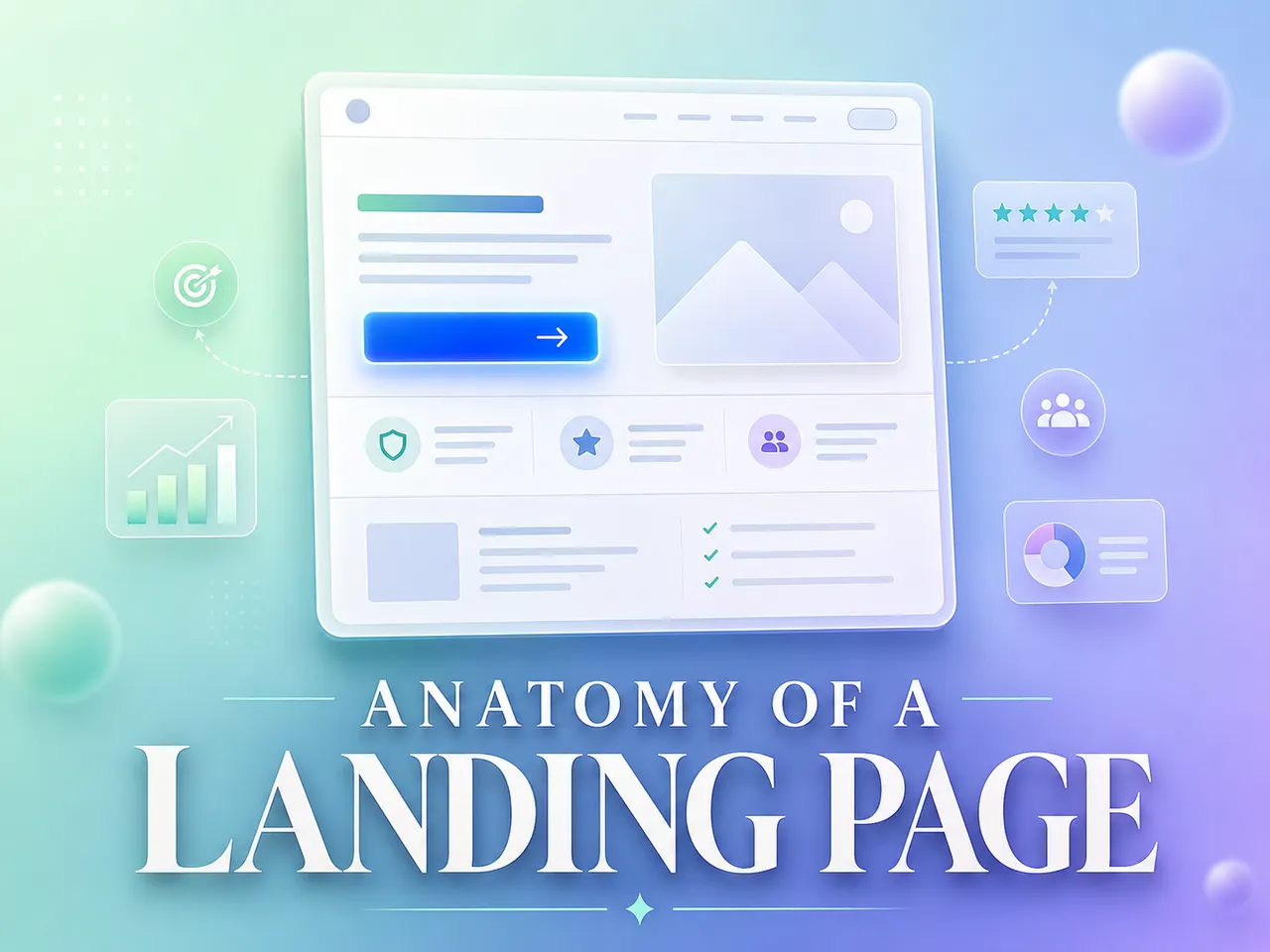
The 10 Elements of high converting landing pages
Written By Swami
Most landing pages don’t fail because the product is weak. They fail because a piece is missing, or the pieces show up in the wrong order. A visitor lands…


Written By Swami
Most people who try an AI builder type something like “build me a landing page for my gym” and then wonder why the result feels generic. That’s not a you problem. It’s a briefing problem. The AI did exactly what you asked, which was almost nothing.
This page fixes that. It’s a set of example prompts you can copy, fill in, and send. You don’t need to know anything about “prompt engineering.” You just need to talk to the AI the way you’d brief a freelancer who’s good but has never met you.
It’s split into two parts:
Prompts for building the page itself with the AI Page Builder.
How to run Swipe Pages straight from Claude, Codex, or Antigravity using the MCP.
Every prompt has [brackets] in it. Those are yours to swap out. And the short note under each one isn’t filler, it’s the reason the prompt is shaped the way it is, so you can write your own once the pattern clicks.
Copying a prompt: each one sits in a code block. Hit the copy icon (or select and
Ctrl/⌘ + C), paste it in, and replace the brackets with your real details.
Swipe Pages began as a drag-and-drop builder, and that builder hasn’t gone anywhere. The AI Page Builder is the newer way in. Instead of dragging blocks around one at a time, you describe your offer and the AI writes the copy, lays out the page, and styles it to match your brand. A first draft takes minutes.
What it does that a plain drag-and-drop tool can’t:
It writes, designs, and builds from one brief, so you’re not stitching together a copywriter, a designer, and a developer.
Point it at your website and it picks up your logo, colors, fonts, and tone, so the page looks like yours without you setting any of that up.
It builds on the stuff that actually moves conversions (lead with the pain, handle the objection, give people one clear next step) instead of pouring random words into a template.
When the draft’s done, you can keep tweaking by chat or jump into the same drag-and-drop editor you already know. Your call.
Curious about the product itself? Here’s the full rundown of the AI Landing Page Builder.
Worth saying out loud: most builders that bolt on “AI” only hand you a copy generator. You still drag every block into place yourself. That’s the line a lot of tools stop at, including the AI features in Unbounce. The AI Page Builder writes and lays out and styles from one brief, which is the part that actually saves you the afternoon.
Here’s the honest catch: the page is only as good as what you tell it. A lazy brief gets a lazy page. That’s the whole reason this library exists, so you can hand the AI a real brief without having to think hard about how to phrase it.
This is where you’ll spend most of your time. Three stages: think before you build, build the thing, then sharpen it.
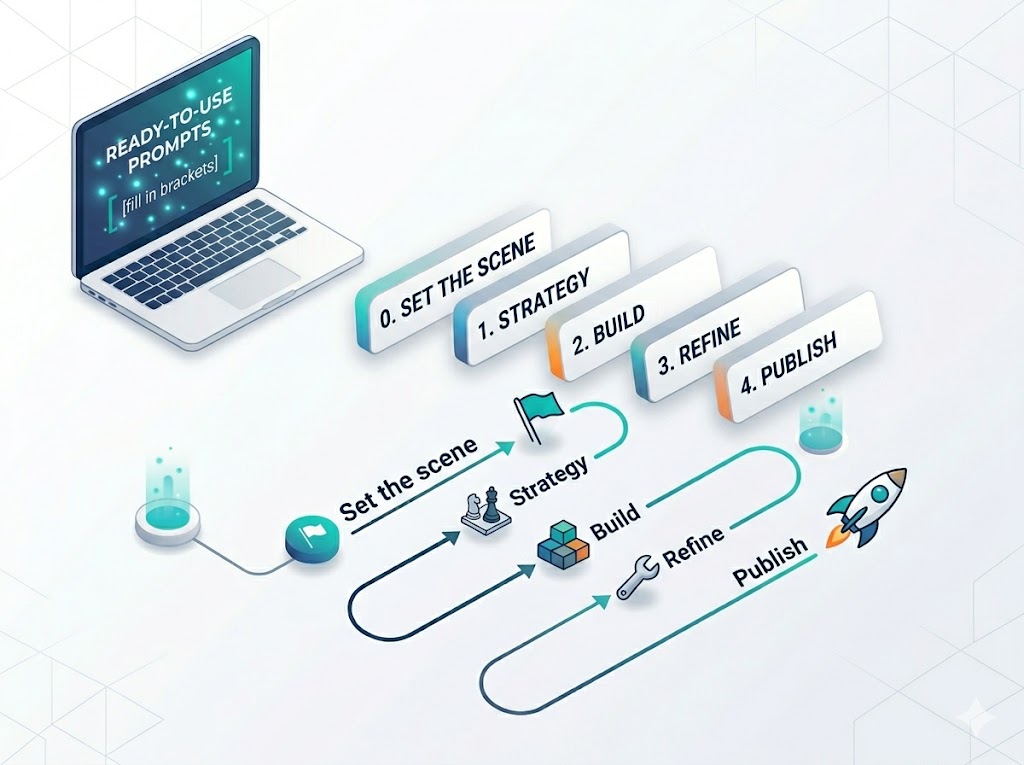
Don’t jump straight to “build me a page.” Spend two minutes making the AI do the strategy with you. Pick whichever of these matches the question you’re stuck on.
It also helps to have a mental picture of what “good” looks like before you brief. If you’re not sure, skim a few high-converting landing page examples first, you’ll start to notice the same moves over and over (one clear promise up top, proof close behind, a single obvious action), and those are exactly the things to ask the AI for.
Based on my business above, act as a senior conversion strategist. Tell me:
1. The single sharpest angle I should lead with.
2. The 3 sections this landing page MUST have to convert my customer.
3. The top 3 objections to handle and how.
4. The one action the whole page should drive toward.
Keep it practical — I'll use this to build the page next.
Giving it a role and asking for a short, numbered answer beats “what should my page say?” every time. You get something you can act on instead of an essay.
Here are competitors in my space: [URL 1], [URL 2], [URL 3].
Study how they sell, then tell me where they're weak and what positioning gap I can own. Give me one positioning sentence I can build my page around.
Real URLs give the AI something to react to. Asking for one sentence stops it from handing back three paragraphs you’ll never use.
Describe my ideal customer in detail: what they want, what they fear, what they've already tried, and the exact words they'd use to describe their problem. I want to write copy that sounds like it's reading their mind.The bit that matters here is “the exact words they’d use.” Copy written in your customer’s language reads like you get them. Copy written in yours reads like a brochure.
Here's my current landing page: [URL].
Give me a conversion audit: what's working, what's killing conversions, and the 5 highest-impact fixes in priority order. Be blunt.
“Be blunt” and “in priority order” are doing real work. Without them the AI tends to pat you on the back. With them you get a to-do list.
My goal is [sell X / get leads / fill a webinar]. Plan the simplest funnel from cold traffic to that goal. Tell me what this one landing page needs to do and what should happen after someone converts.Naming the goal and asking what happens next keeps the page doing one job. Pages that try to do everything usually do nothing.
Now you build. Look at the shape of these. They always tell the AI the goal, the tone, and what to include. None of them say “build me a page” and leave it there.
Build me a sales landing page in Swipe Pages for [product/service].
- Pull my brand (logo, colors, fonts) from [my URL].
- Goal: get the visitor to [buy now / book / add to cart].
- Tone/feel: [premium / friendly / urgent / no-nonsense].
- Must include: a strong hero, the key benefits (not just features), trust/social proof, objection-handling, and a clear call-to-action repeated near the bottom.
Use everything from our strategy above. Show me a preview link when done.
Brand, goal, tone, must-haves. That’s the whole brief. Leave any of them out and the AI fills the gap with a guess, which is usually wrong. If you’re selling software, it’s worth seeing how the pros handle this first — these SaaS landing page examples show the exact trust signals and friction-cutting moves you can ask the AI to copy into your “must include” list.
Build me a lead-generation landing page in Swipe Pages for [offer].
- Brand from [my URL]. Tone: [feel].
- Goal: capture leads with a form (collect [name, email, phone — pick what you need]).
- Keep it focused and short — one offer, one action, minimal distraction.
- Lead with the benefit of [what they get for signing up].
Build it and give me the preview link.
“One offer, one action” tells the AI to strip the clutter. Ad traffic has no patience, so a focused page converts where a busy one leaks.
Build me a landing page in Swipe Pages to sell my [course/program]: [name + 1-line description].
- Brand from [my URL]. Tone: [encouraging / expert / etc.].
- Audience: [who it's for and the transformation they want].
- Must include: the outcome they'll get, what's inside (modules/weeks), who it's for, proof it works, pricing, and a clear enroll CTA.
- Handle the objection: "[their main hesitation]".
Build it and show me the preview.
When you name the transformation and the exact hesitation, the AI writes to a real buyer. Skip them and it writes to a generic “student” who doesn’t exist. Creators who sell courses and coaching tend to win on specificity and proof — these landing page examples for creators are a good gut-check for what to feed the AI before you build.
Build me a squeeze page in Swipe Pages offering a free [guide / checklist / template] called "[title]" in exchange for an email.
- Brand from [my URL]. Tone: [feel].
- Keep it minimal: headline, what they get, why it's valuable, email form, done.
- Make the value obvious in the first 5 seconds.
Give me the preview link.
A squeeze page only has one small job. “Keep it minimal” and “obvious in 5 seconds” stop the AI from over-building a page that should be almost nothing.
Build me a booking landing page in Swipe Pages for [business].
- Brand from [my URL]. Feel: [premium / convenient / etc.].
- Goal: get visitors to book a [slot / call / appointment].
- Include trust stats, photos/gallery, real-style reviews, location with map, and a booking form capturing [name, phone, date, time].
Build it and send the preview link.
Spelling out the form fields means you get a form you can actually use, not a placeholder you have to rebuild by hand.
Build me a webinar registration page in Swipe Pages for "[webinar title]" on [date/time].
- Brand from [my URL]. Tone: [feel].
- Goal: maximize registrations.
- Include: what they'll learn (3 bullets), who it's for, the host's credibility, urgency, and a registration form ([name, email]).
Preview link when ready.
For an event, two things drive sign-ups: a clear sense of what they’ll walk away with, and a reason not to put it off. The “what they’ll learn” bullets and the urgency cover both.
First drafts are never final. The trick with edits is to tell the AI why you want the change, not just what to change, and to do one thing at a time so you can see what each tweak did.
The hero headline is good but [too long / too vague / not punchy enough]. Rewrite it so it instantly tells [my customer] they're in the right place. Give me 3 options: one bold, one friendly, one urgent.Three options in different flavors give you something to react to. One headline forces a take-it-or-leave-it call you’ll second-guess.
Rewrite the [section name] to focus on the benefit, not the feature. The benefit is: [what the customer actually gets].Name the section and hand over the actual benefit. Then the AI rewrites instead of guessing at what the customer is supposed to care about.
This copy feels too [hypey / corporate / generic]. Make it sound like a real person talking to [my customer]. Match this tone: [paste a sentence you like].Pasting a sentence you like gives the AI a sample to copy. That works far better than the word “friendly,” which means something different to everyone.
Add a section right before the form that handles this objection: "[the doubt your customer has]". Make it reassuring and specific.You’re telling it where (“before the form”) and what to kill (the exact doubt). That’s why it lands in the right spot and says the right thing.
Add a testimonials section with 3 short, believable reviews from people like [my customer type]. Make them about [the outcomes that matter most].“People like my customer” plus “the outcomes that matter” makes the reviews specific instead of generic. Swap in real ones before you publish, though. Made-up testimonials aren’t worth the risk.
Remove the [section] — it's distracting from the main action. Then move the [pricing / form / CTA] higher up so people see it sooner.Tie each layout change to a reason (“distracting,” “see it sooner”) and the AI can make the right call instead of guessing what you meant.
Make the whole page feel more [premium / playful / trustworthy]: [tighter spacing / fewer words / bigger headline / calmer colors]. Keep my brand colors.“Premium” on its own is a vibe nobody can build. Pair it with concrete levers like tighter spacing and fewer words, and the AI has something to actually do.
Make the main call-to-action button impossible to miss — bigger, clearer, and reword it so it tells people exactly what happens when they click.A button that says what happens when you click it is the difference between “Submit” and something people trust enough to press.
Show me the images in my media library, then use the best fit for the [hero / gallery]. If nothing fits, tell me what photo I should add.“If nothing fits, tell me what to add” turns a dead end into a next step, instead of leaving you with a random stock photo nobody asked for.
Show me what sections are currently on the page and what each one says. Then undo the last change — go back to the [previous version / shorter headline].The conversation is your undo button. Asking to see the page or roll back never breaks anything, so lean on it whenever you’re not sure.
Everything above works right inside the Swipe Pages AI Page Builder. But you can also build and publish without ever leaving the AI you already use, whether that’s Claude, Codex, or Antigravity. That’s what the Swipe Pages MCP is for.
MCP stands for Model Context Protocol. The short version: it hands your AI assistant a set of tools it can use on your behalf.
Normally an AI can only talk about your landing page. Connect the MCP and it can actually do things in your Swipe Pages account, like reading your brand, building the page, editing a block, checking whether a URL is free, and publishing. All from the same chat you’re already in. Think of it as plugging your Swipe Pages account into your AI so it can roll up its sleeves instead of just giving advice.
The setup is the same shape for every client. You generate an MCP API key inside Swipe Pages, paste it into your AI client, and confirm the connection. After that, your AI can see the Swipe Pages tools.
Pick your client and follow the matching guide:
Claude Desktop: How to connect Swipe Pages MCP to Claude Desktop
Codex Desktop: How to connect Swipe Pages MCP to Codex Desktop
Antigravity IDE: How to connect Swipe Pages MCP to Antigravity IDE
All the setup guides live in the Swipe AI Agents help collection if you’d rather browse.
Once the MCP is connected, your very first message should tell the AI who you are before you ask it to do anything. Do this once and every prompt after it inherits the context, so you stop repeating yourself.
I'm using Swipe Pages through MCP. I want you to help me research, build, and publish a landing page in my Swipe Pages account.

About my business:
- What I sell: [product / service / course]
- My website or product link: [https://... — or "none yet"]
- Who my customer is: [age, role, situation, what they want]
- Their biggest fear or objection: [e.g. "worried it's too expensive / won't work for them"]
- My main goal for this page: [get bookings / collect leads / sell now / sign up for webinar]

First, confirm you can see my Swipe Pages tools, then study my link (if I gave one) and tell me what you learned before we go further.
This loads the who, what, and why in one shot. And that “confirm you can see my Swipe Pages tools” line is a quick sanity check that the MCP actually connected before you start building on top of it.
After that, use the Stage 1, 2, and 3 prompts from Part 1 exactly as written. They behave the same whether you’re inside the builder or driving it through the MCP.
When the preview looks right, push it live. These are short on purpose. There’s nothing clever going on.
Is the URL "[your-slug]" available on my Swipe Pages domain?Checking first saves you from a clash with a slug you already used and forgot about.
Publish this page to "[your-slug]" on my Swipe Pages domain.One clear instruction with the exact slug. The AI checks the domain and pushes it live.
I have a custom domain [yourdomain.com]. Publish this page to its root.Naming the domain and saying “its root” leaves no room for the AI to guess where the page should land.
Strip away the templates and every prompt here is the same move: tell the AI who it’s for and why it matters, not just what to do. Give it context instead of orders. Once that clicks, you can write your own from scratch and throw the examples away.
Same heading, two ways to ask for it.
A one-liner:
“Change the heading to Best Cricket Turf.”
A brief:
“Rewrite the heading so groups of friends looking for a premium evening game instantly feel this is the spot to book. Make it confident, a little exclusive.”
Same amount of typing, near enough. Completely different page.
When you’re ready, start with the AI Landing Page Builder, or wire up the Swipe Pages MCP to the AI you already have open.
Written By Swami
Most landing pages don’t fail because the product is weak. They fail because a piece is missing, or the pieces show up in the wrong order. A visitor lands…
Written By Swami
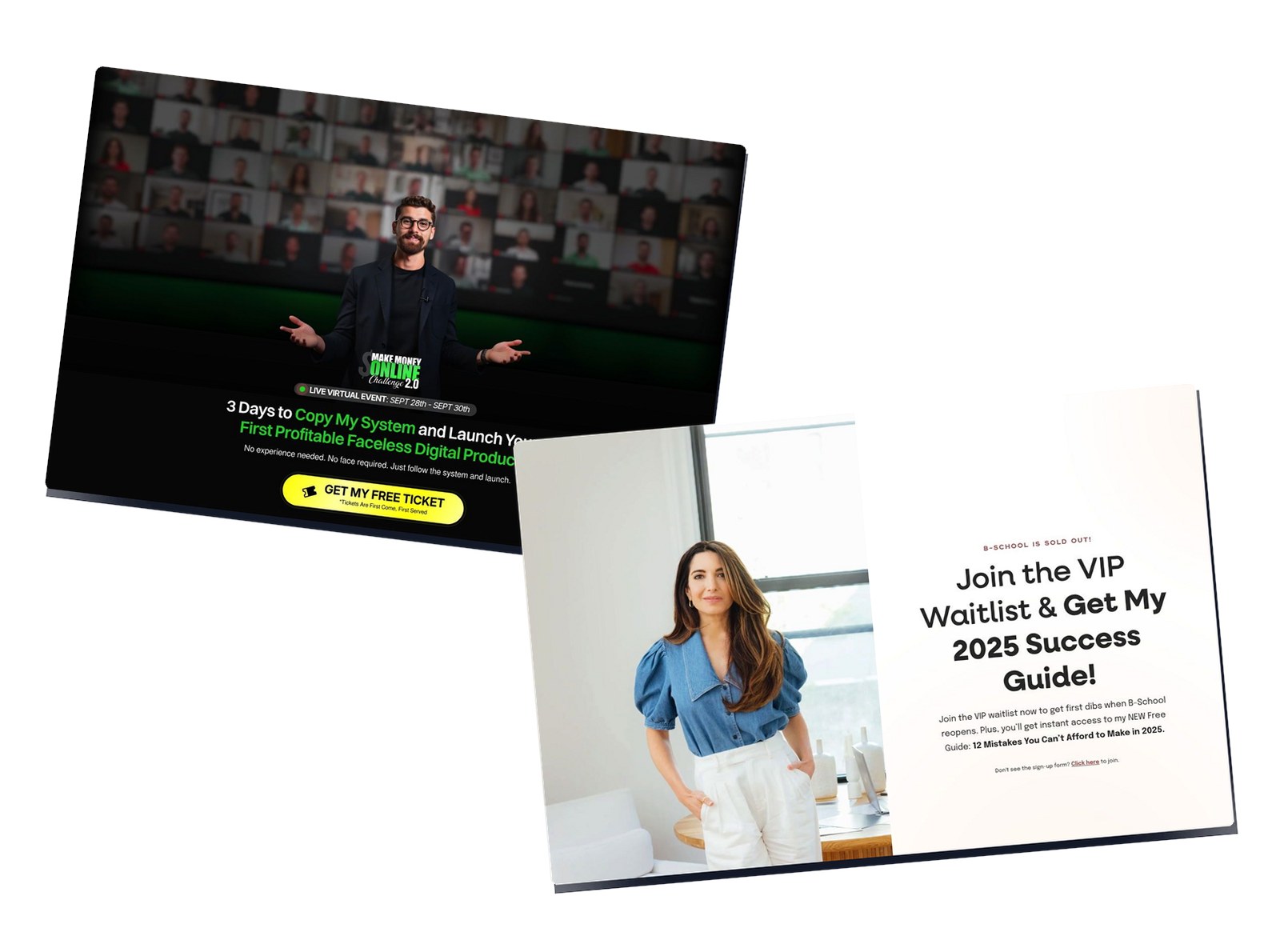
Personal brand pages don’t sell a product. They sell a person and a promise. Your visitor already follows the creator, or they just clicked an ad. Either way…
Written By Swami
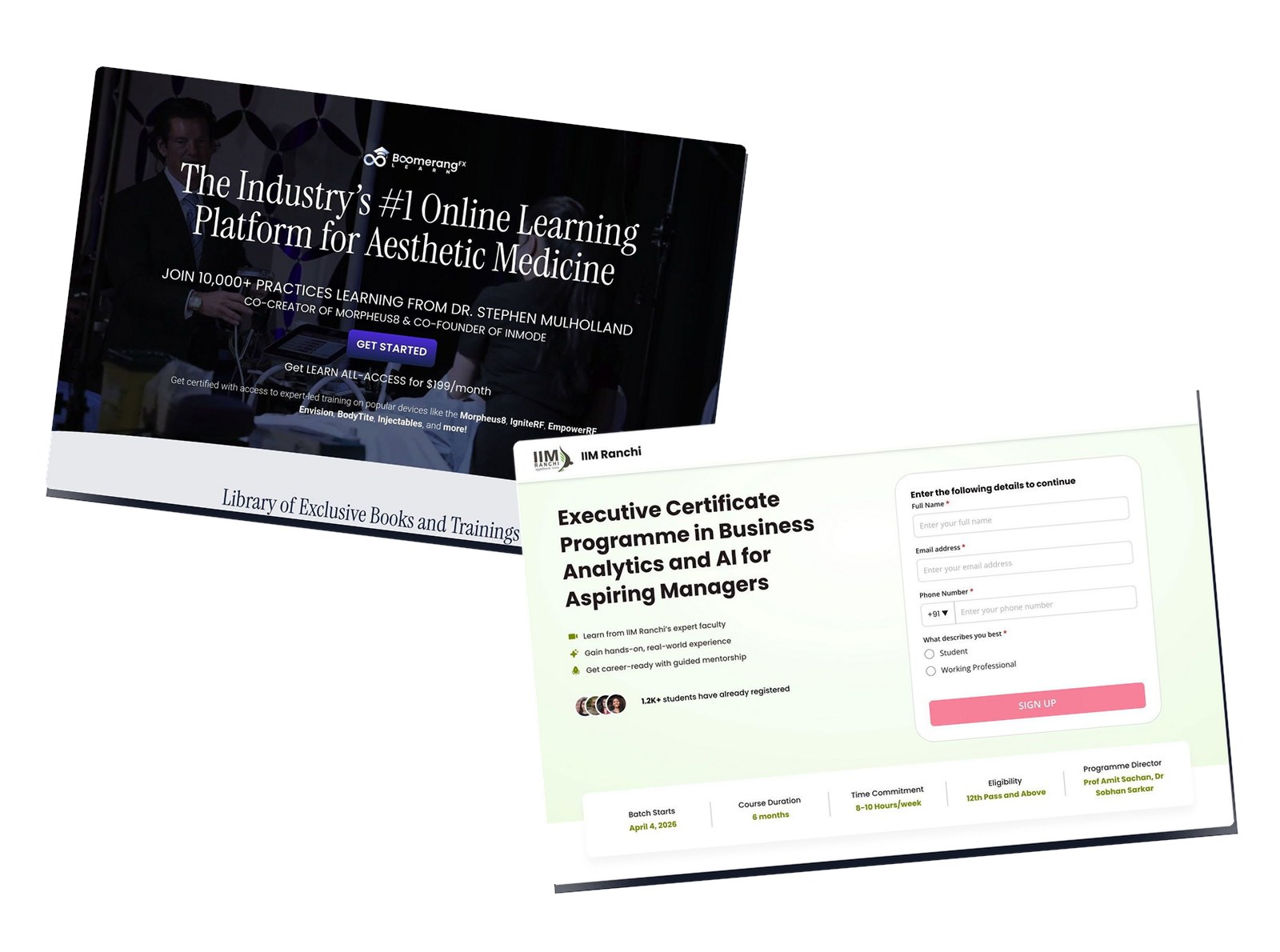
University and executive-education landing pages sell something most marketers never have to. A 6-month to 3-year commitment. A five-figure cheque. The buyer’s…
Start a 14 day full featured trial. No Credit Card Required.
Choose a plan when you are ready.