Instapage Review 2026: Features, Pros, Cons & Verdict
Written By Swami
A full Instapage review for 2026: every plan and limit, what its AI really does, the locked-account rule at your visitor limit, user reviews and a verdict.


Written By Swami
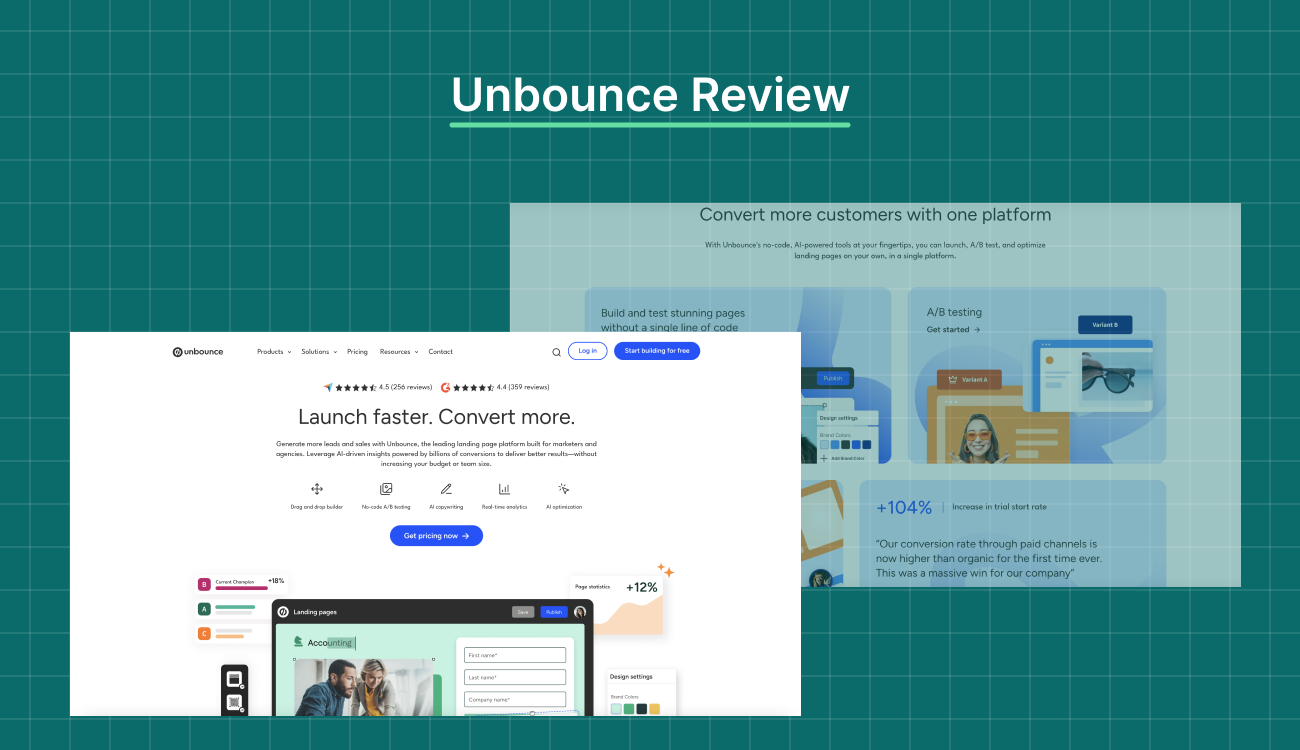
Short answer: Unbounce is a landing page platform for marketers and agencies, with popups, sticky bars, A/B testing and AI traffic routing. It now sells six plans, from a limited $29 Starter to custom-priced Concierge and Agency tiers. A/B testing starts at $149 a month and Smart Traffic at $249. Since November 10, 2025 it charges $80 for every 10,000 visits above your plan. It doesn't have a native AI builder, but every plan connects to an AI assistant through its MCP server. It rates 4.3 on G2, 4.5 on Capterra and 1.9 on Trustpilot.
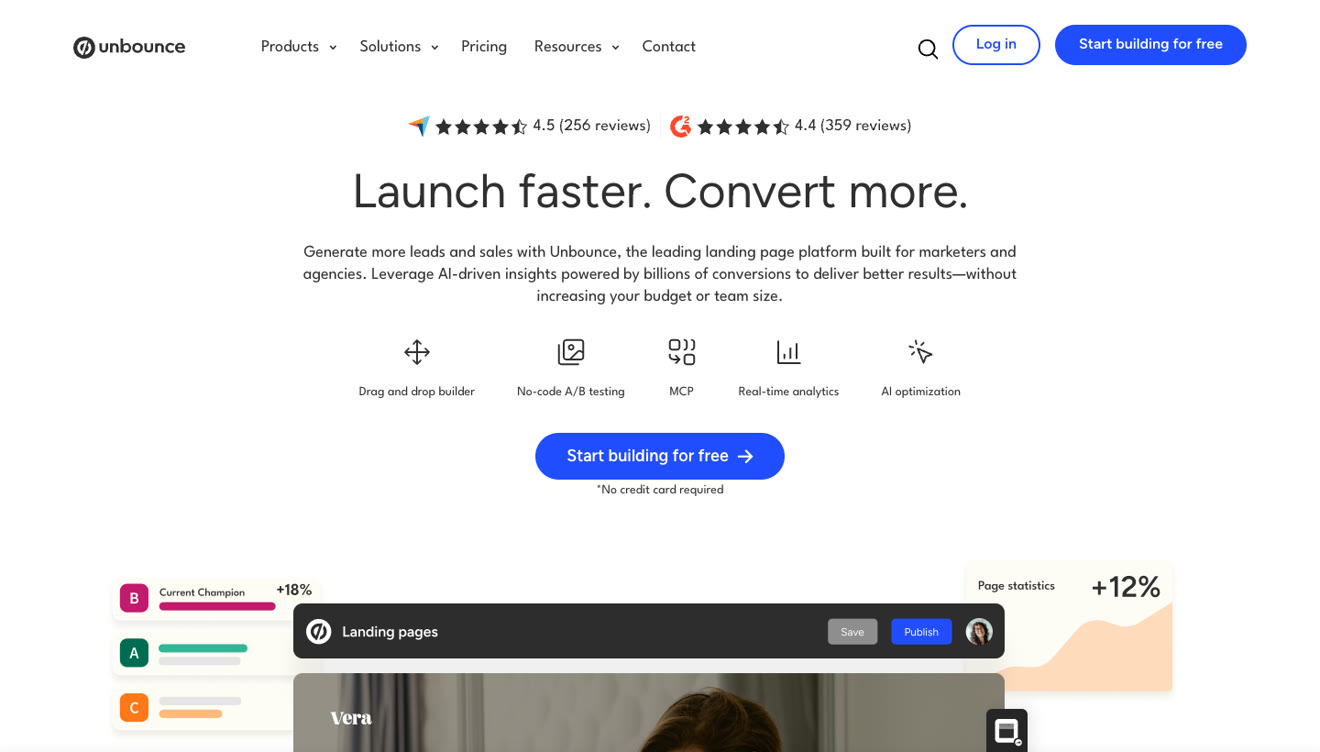
Unbounce has been around for over a decade, and plenty of agencies still run on it. But the deal has changed a lot in the last two years. There's a cheaper entry plan that most teams will outgrow in a week, a new overage fee, a retired AI writing app, and a bet on outside AI assistants instead of an AI builder of its own.
In this review we'll walk through what each plan includes in September 2026, what the fees do to a real bill, what reviewers are saying, and how Unbounce compares with Swipe Pages if you're running paid traffic.
Everything we say about the product comes from Unbounce's own pages, which we read on September 15 and 16, 2026: the pricing page on both billing toggles, the full plan comparison, the landing pages, A/B testing, Smart Traffic and MCP server product pages, the terms of service and the help center.
We didn't buy a plan. To find out what it's like to use, we read 42 reviews and comments dated 2025 and 2026 on G2, Capterra, Trustpilot and Reddit.
| Rating source | Score | Reviews |
|---|---|---|
| G2 | 4.3 | 386 |
| Capterra | 4.5 | 257 |
| GetApp | 4.5 | 257 |
| Trustpilot | 1.9 | 180 |
| Unbounce's own badges | 4.4 on G2, 4.5 on Capterra | 359 and 256 |
One caveat on all of these. There aren't many recent reviews. Capterra has only 3 reviews dated 2025 and none from 2026, so most of its 4.5 is describing the product as it was from 2017 to 2024.
A new Starter plan at $29 a month, or $22 billed yearly, with 5 pages, 500 visitors and 1 user.
A separate Agency plan that's custom priced and starts at 10 root domains.
Conversions are unlimited on every plan. You're only metered on visitors.
A new overage fee. Since November 10, 2025 the terms charge $80 for every additional 10,000 visits, or part of that. The old rule, 150% of the difference between plans, doesn't apply anymore.
The trial doesn't need a credit card anymore. It runs for 14 days.
The standalone Smart Copy app closed on January 28, 2026. AI copywriting is now inside the builder, on Build and above.
An MCP server launched in August 2026, and it's included on every plan.
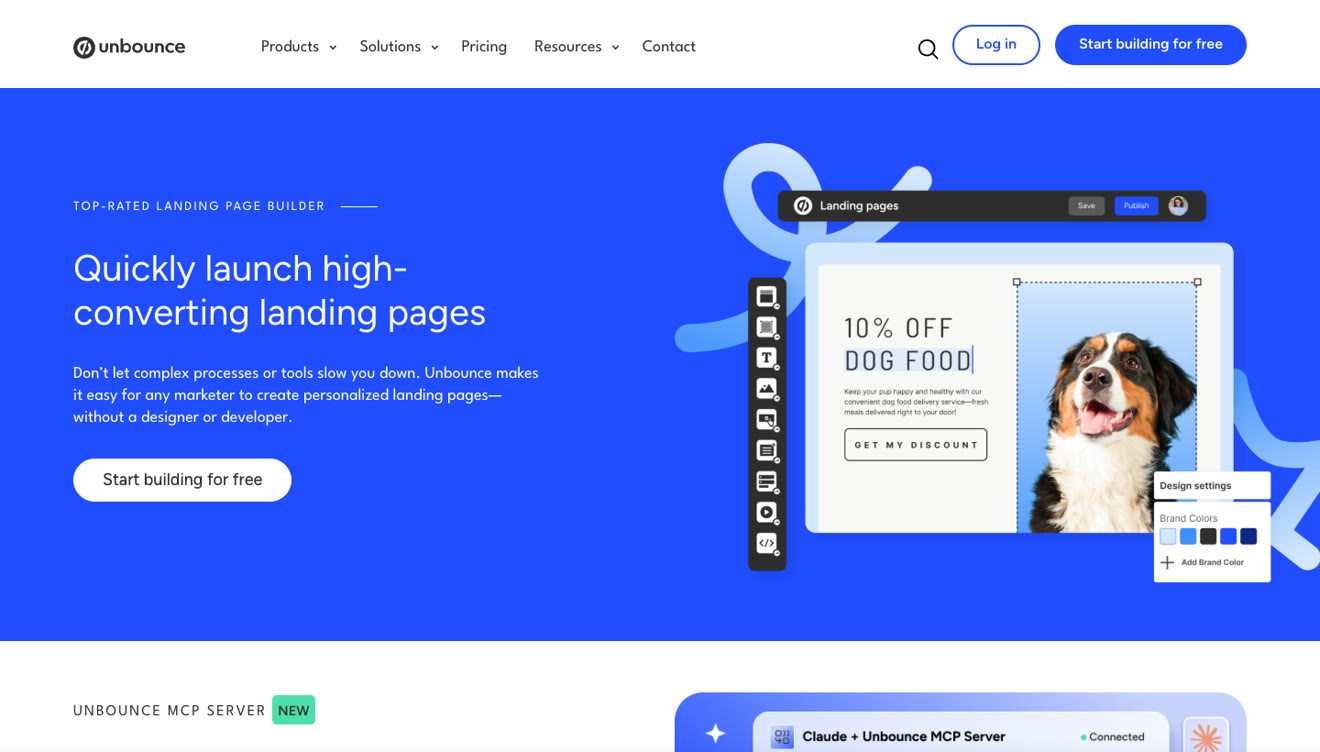
Unbounce's builder is a true drag and drop canvas. You place elements wherever you want them instead of filling slots in a template. That's why a lot of designers prefer it, and it's also why some reviewers talk about a learning curve.
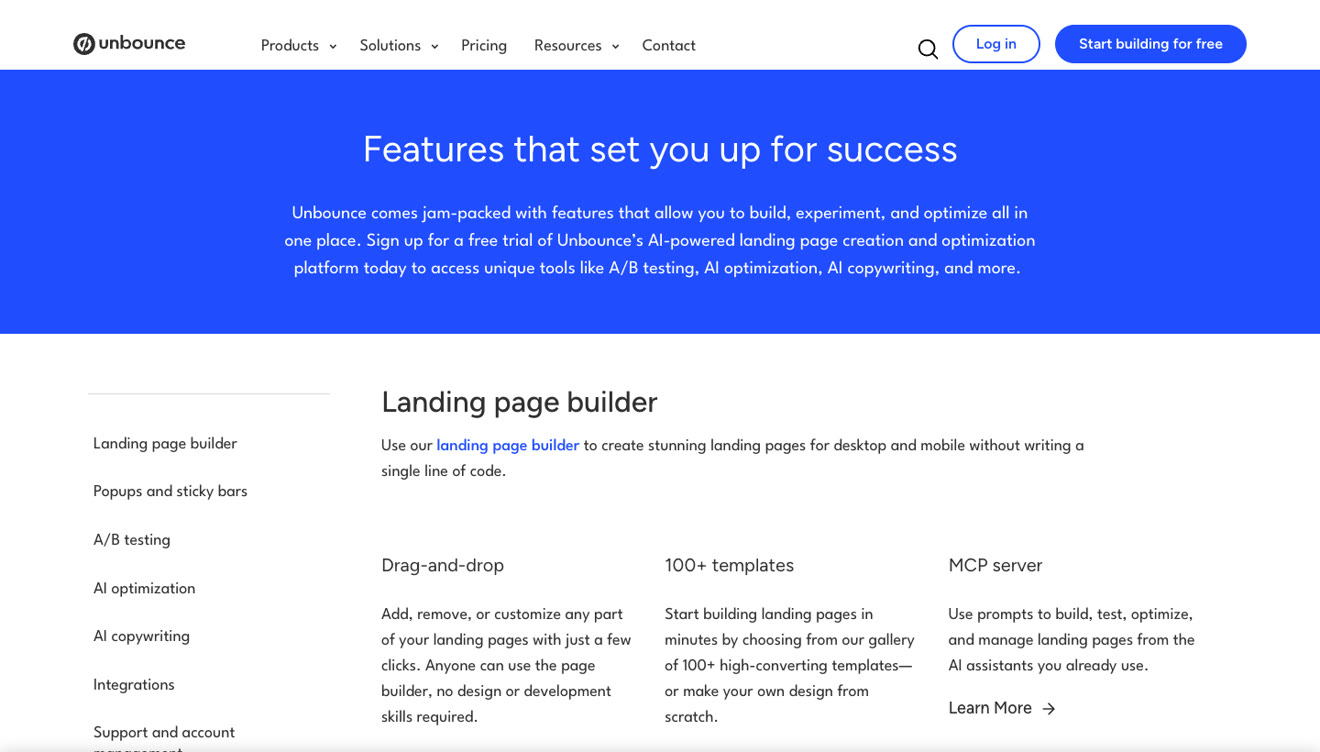
You get 100 or more templates on every plan, custom scripts and styling from Build upwards, and multi-step forms.
Popups and sticky bars are built into the product, so you don't pay for an add-on. You can trigger them on exit intent, scroll depth, arrival and click. They're unlimited from Build upwards, and you don't get them on Starter at all. Advanced targeting and scheduling need Optimize.
Most people buy Unbounce for A/B testing, and it isn't on the cheaper plans. A/B testing and dynamic text replacement both start on Experiment at $149 a month. You don't get either one on Starter or Build.
Experiment gives you unlimited variants, manual traffic allocation, confidence intervals and conversion reporting. Industry benchmarks come in at the same tier.
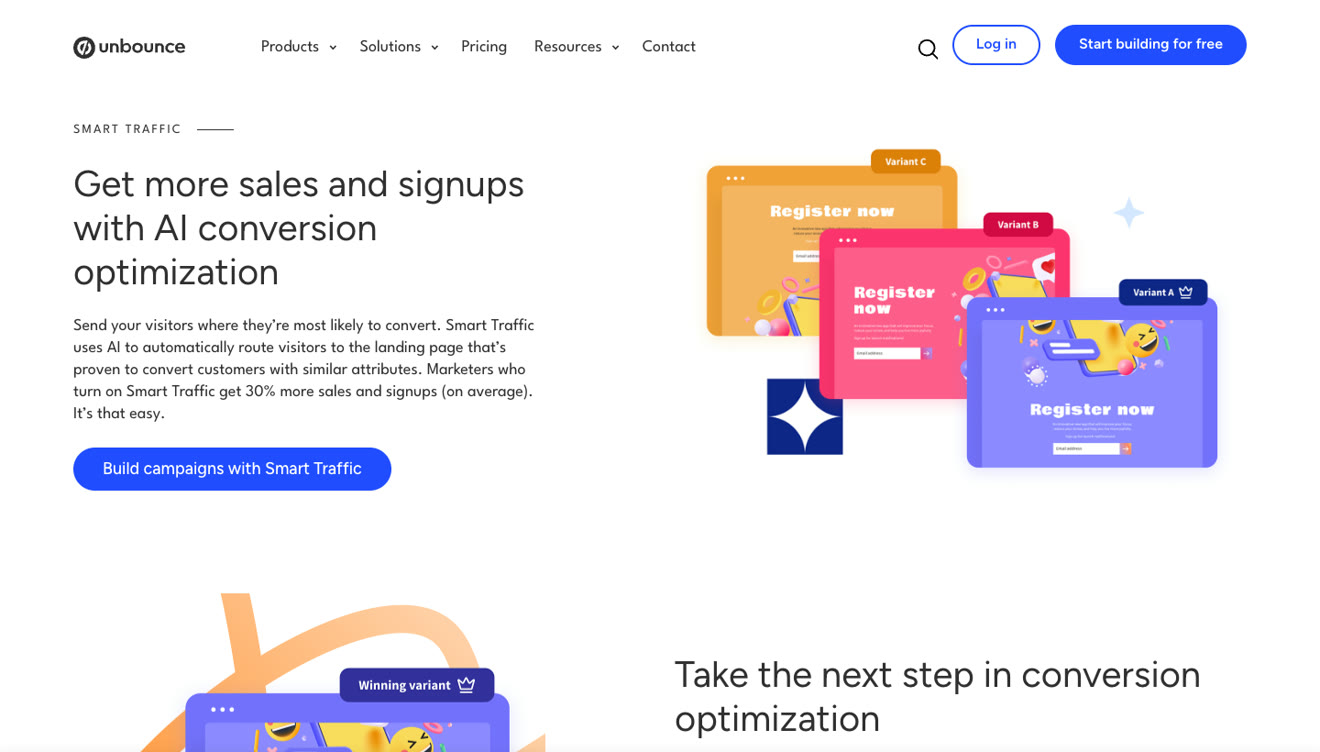
Smart Traffic is Unbounce's AI feature for routing traffic. Instead of splitting visitors evenly between variants, it looks at each visitor's device, location and browser and sends them to the version it thinks will convert best for them. Unbounce says routing starts after as few as 50 visits, and it claims marketers who turn it on get 30% more sales and signups on average.
You need the Optimize plan at $249 a month to use it, so keep that in mind when you compare entry prices.
AI copywriting lives inside the builder from Build upwards. You double-click a text box, choose AI text, and then rewrite, expand or summarize what's there. The standalone Smart Copy app you'll see in older reviews was shut down in January 2026.
What Unbounce doesn't have is a native AI builder. There's nothing inside Unbounce that takes a description of your campaign and gives you back a finished page in your brand. You build the page yourself, and the AI helps you with the words in it.
Unbounce's answer to that gap is its MCP server. It launched in August 2026 and it's included on every plan, trial included. It connects your Unbounce account to an AI assistant, and the assistant can then build pages from a brief or an existing page, edit them, add forms and interactive elements, create A/B variants, split traffic, deploy winners, switch on Smart Traffic and pull conversion reports.
Before you count it as an AI builder, here's how it works in practice. The AI isn't Unbounce's, so you bring your own assistant and pay for it separately. And the plan gates still apply through the connection. A/B testing is still Experiment and up, and Smart Traffic is still Optimize and up, so if you ask an assistant to split test a page on a $99 plan it won't work.
Swipe Pages also offers MCP connections, and it has a native AI Builder on top, so you don't have to assemble the workflow yourself unless you want to.
Build and above give you 1,000 or more integrations, and you can add custom scripts and pixels for anything else. Industry benchmarks come with Experiment, and audience insights come with Optimize. Hosting is included on every plan, and so are speed boost, an automatic image optimizer and two-factor authentication.
Unbounce includes a speed boost feature and an image optimizer on all plans, and it publishes a page about page speed.
Mobile takes more work. The phone version of a page is just the desktop layout reflowed, unless you go in and adjust it yourself, and on a free-placement canvas that's fiddly. Nothing builds a phone-first version of the page for you.
No native AI builder, as above.
No native checkout. If you want to sell from an Unbounce page, you'll need to add another tool.
No AI that audits a live page and gives you a prioritized list of fixes.
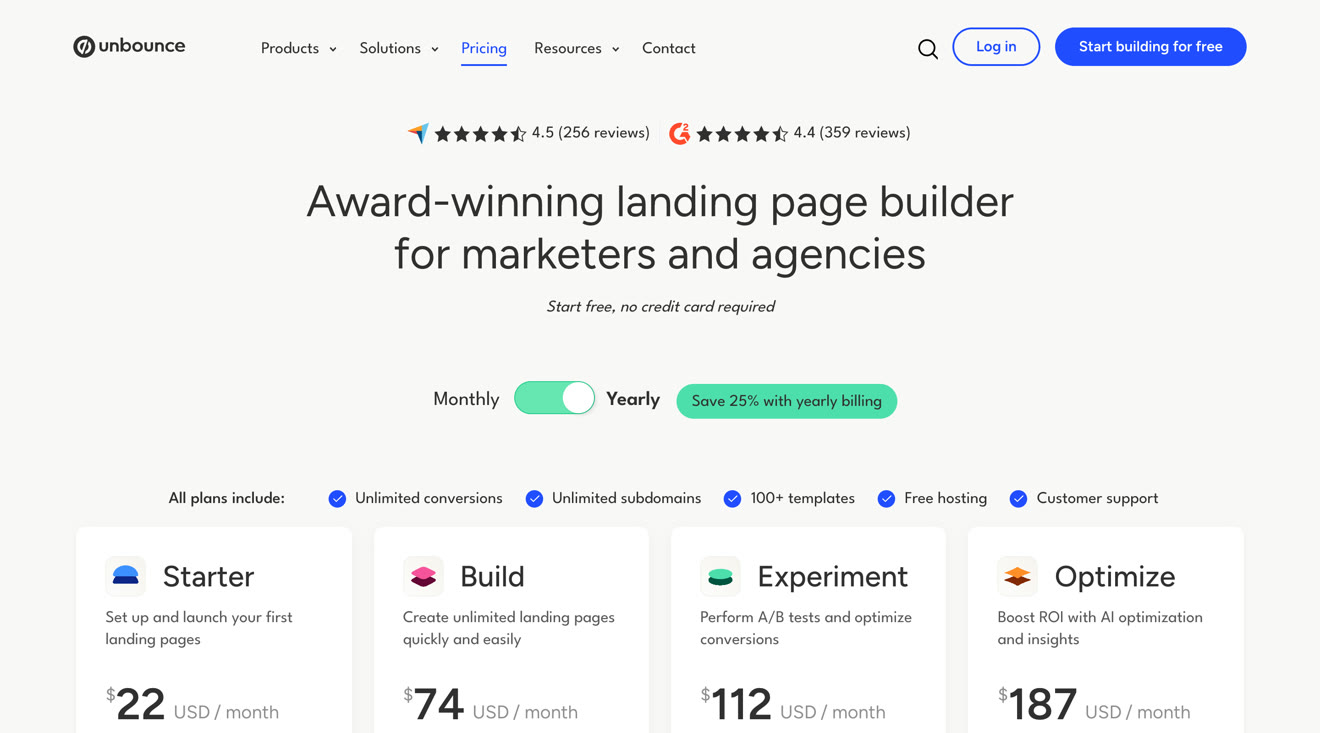
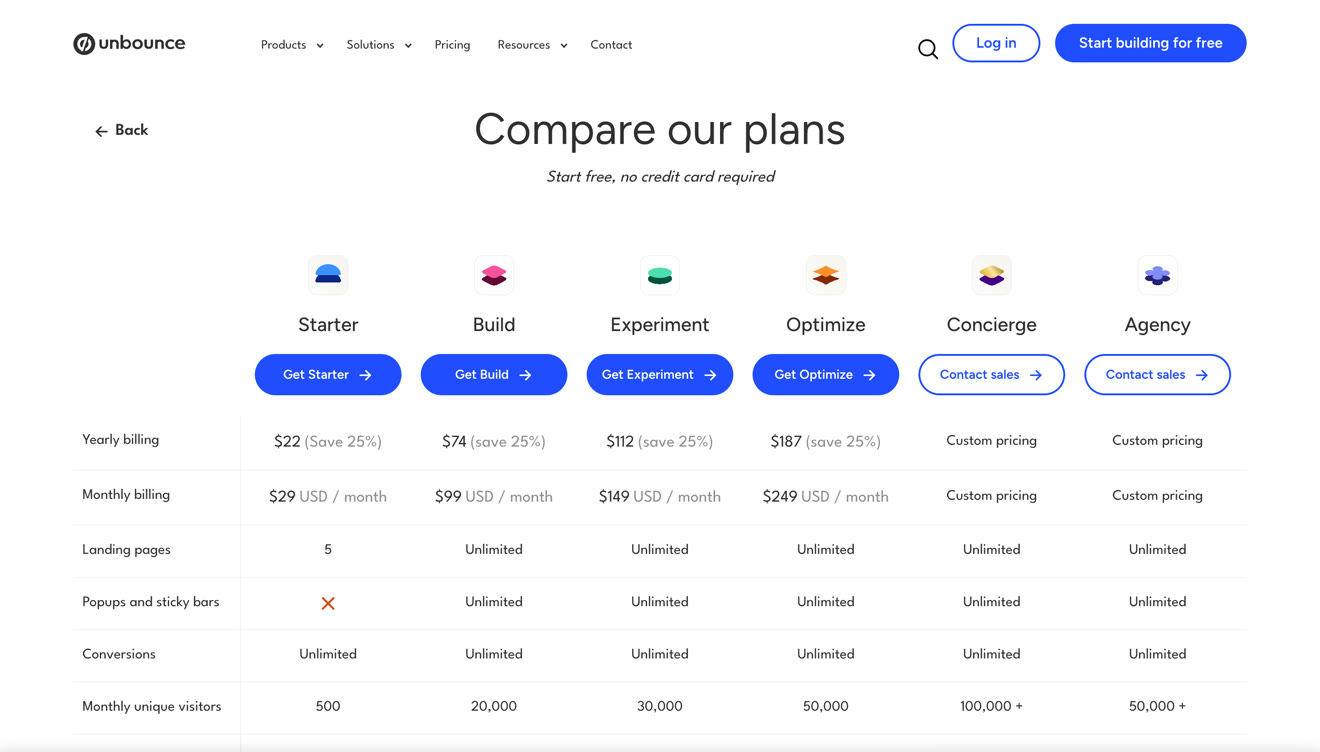
| Plan | Monthly | Yearly, per month | Visitors | Pages | Users |
|---|---|---|---|---|---|
| Starter | $29 | $22 | 500 | 5 | 1 |
| Build | $99 | $74 | 20,000 | Unlimited | 1 |
| Experiment | $149 | $112 | 30,000 | Unlimited | 3 |
| Optimize | $249 | $187 | 50,000 | Unlimited | 5 |
| Concierge | Custom | Custom | 100,000+ | Unlimited | 15 |
| Agency | Custom | Custom | 50,000+ | Unlimited | 5+ |
Yearly billing saves you 25%. Every plan includes unlimited conversions, unlimited subdomains, 100 or more templates, hosting and support.
| Feature | Starts on | Price from |
|---|---|---|
| Unlimited pages, popups and sticky bars | Build | $99/mo |
| AI copywriting in the builder | Build | $99/mo |
| A/B testing and dynamic text replacement | Experiment | $149/mo |
| Industry benchmarks | Experiment | $149/mo |
| Smart Traffic and audience insights | Optimize | $249/mo |
| Page scheduling and advanced popup targeting | Optimize | $249/mo |
| Audit logs and a dedicated success manager | Concierge | Custom |
| 10 or more root domains | Agency | Custom |
Starter looks like a cheap way into a well-known platform. You get 5 pages, 500 visitors a month and 1 user. There are no popups, no sticky bars, no A/B testing, no dynamic text replacement and no integrations.
500 visitors is about a day of a small ad campaign. Starter is fine if you just want to publish a page, but you can't really run campaigns on it.
This is the part that trips people up. Unbounce's terms say that since November 10, 2025 the fee is $80 for every additional 10,000 visits, or part of that amount. It's charged once, invoiced separately and due on receipt. Your pages keep running, and Unbounce emails you when you hit 85% and 100% of your limit. Its help center's own worked example puts an Optimize account at 85,000 visitors at a one-time $320.
| If you go over by | Unbounce | Swipe Pages |
|---|---|---|
| 10,000 visits | $80 | $10 |
| 30,000 visits | $240 | $30 |
| 50,000 visits | $400 | $50 |
A campaign that's doing well is exactly what pushes you over a visitor limit, so you'll want to know the rate before the invoice shows up. Swipe Pages publishes $5 per 5,000 visits on its pricing page.
The trial runs 14 days with no credit card. You're limited to a single user, you can't use custom domains and there are some traffic restrictions. Unbounce's terms say you don't get credits or refunds if you cancel, plans renew automatically, and prices can change with 30 days written notice.
There are paid services on top of the plans too. Onboarding and training is $500, page migration starts at $300, and a page redesign is $300.
Our Unbounce pricing guide walks through each plan and the fee in more detail.
We read 42 reviews and comments from 2025 and 2026, and the same themes kept coming up.
Price rises, in 10. One agency said its subscription went up 415% in under a year. Another reviewer went from $105 to $298 a month.
Billing and canceling, in 7. Charges people didn't expect, including some after they thought they'd canceled.
Support speed. Several reviewers said they waited days for a reply.
Analytics accuracy. A 2025 reviewer who rated Unbounce 4 out of 5 still said the analytics aren't always accurate.
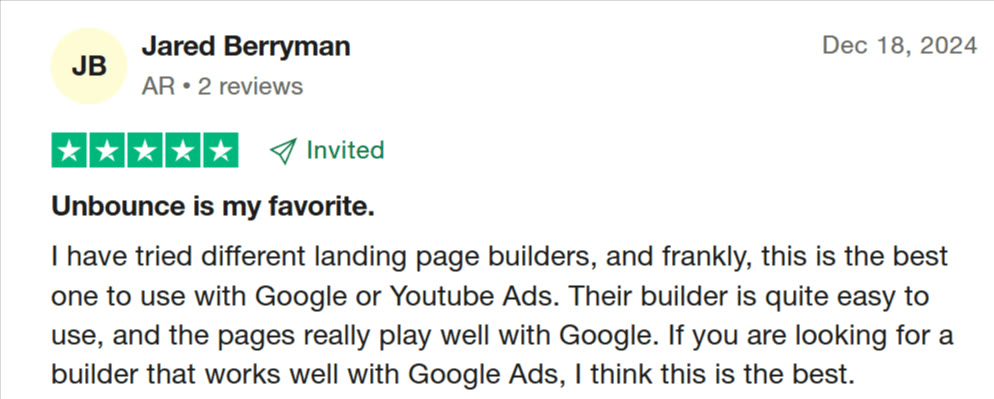
The builder, which gets consistent praise. Long-term users like the control over layout more than anything else.
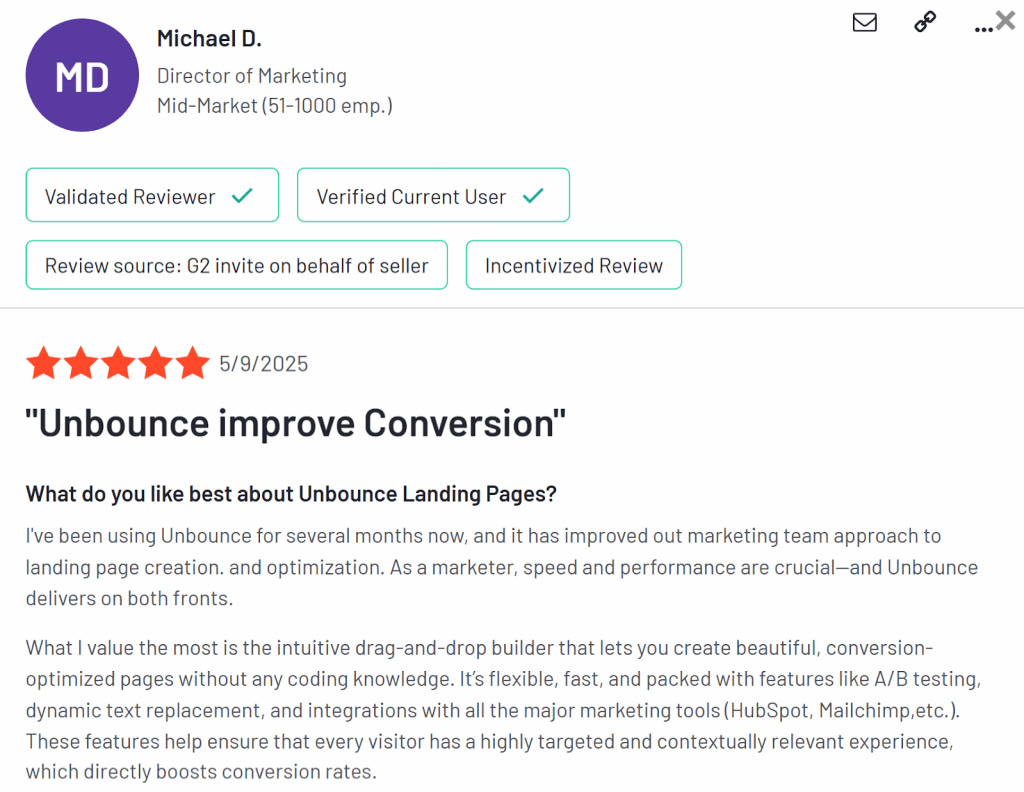
The critical reviews are mostly about money and time, and not so much about the software itself.
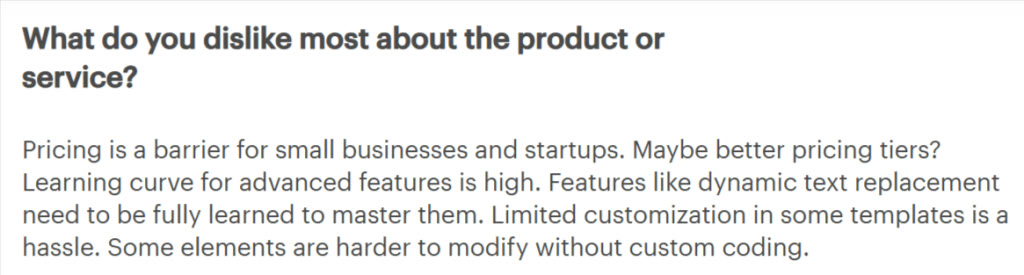

The gap between the ratings makes sense once you look at where the reviews come from. G2 and Capterra sit at 4.3 and 4.5, mostly from older reviews and invited reviewers. Trustpilot sits at 1.9 from 180 reviews, and people go there on their own, usually because of a bill.
| Pros | Cons |
|---|---|
| A flexible drag and drop builder | No native AI builder |
| 100 or more templates on every plan | A/B testing starts at $149/mo, Smart Traffic at $249/mo |
| Unlimited conversions on every plan | $80 per 10,000 visits over your limit |
| 14-day free trial with no credit card | Starter is 5 pages and 500 visitors |
| MCP connections on every plan | No native checkout |
| Popups and sticky bars included from Build | Price rises and billing are the top complaints in recent reviews |
Agencies are the group we most often see moving over from Unbounce, and the Agency plan is usually the reason. But the comparison starts before that, with what a paid click costs you when the page loads slowly.
Most of your paid traffic arrives on a phone. Unbounce gives you a speed boost feature, an image optimizer and a separate mobile layout that you maintain yourself.
Swipe Pages runs 20 or more speed optimizations every time you publish and serves your page from a global CDN, so speed isn't a setting you have to remember to switch on. Smart Pages go further and give phone visitors an app-like, swipeable version of the page instead of a reflowed desktop one.
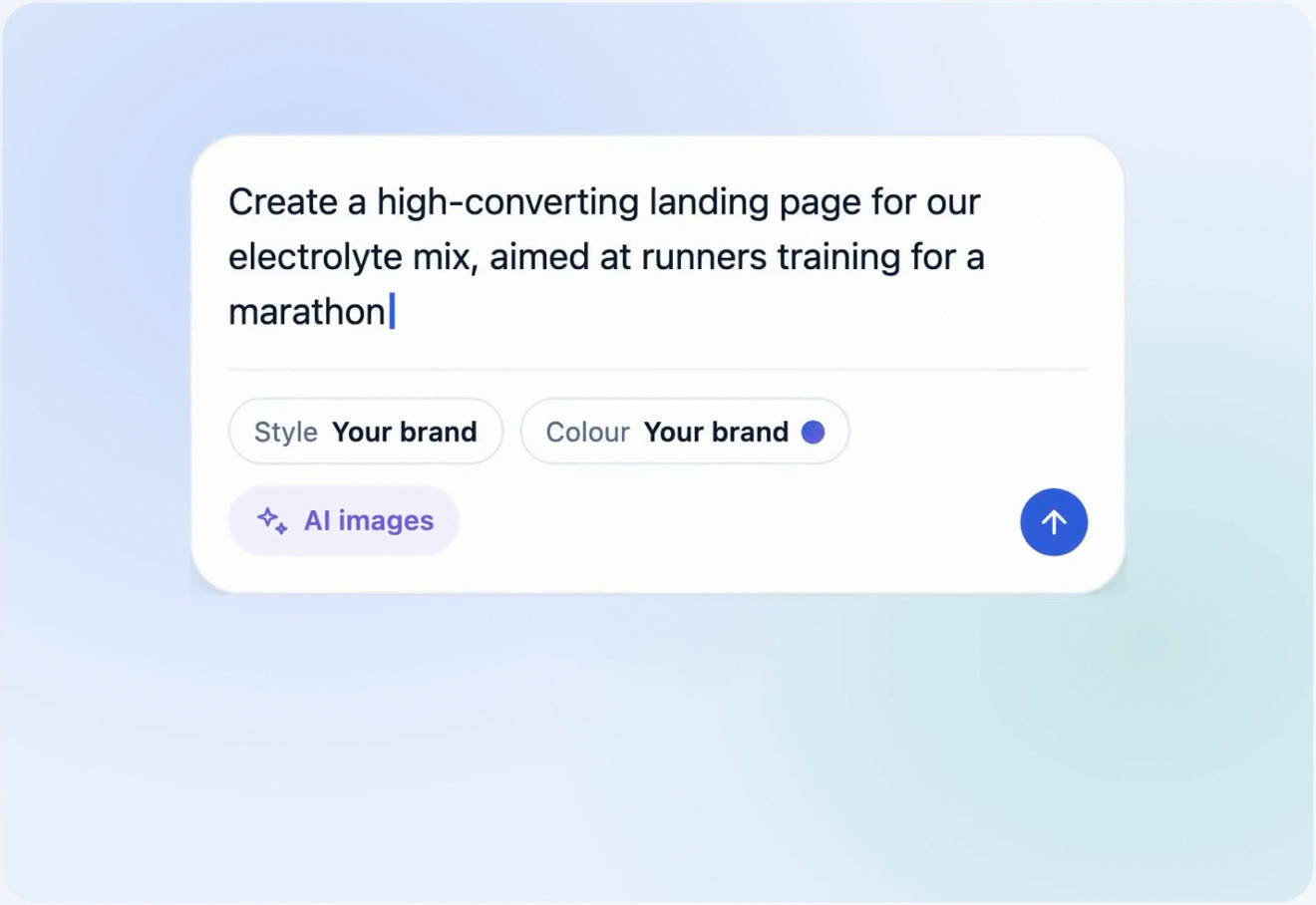
You describe the campaign, and the Swipe Pages AI Builder writes the copy, designs the page in your brand and generates the images. You don't need an outside assistant or a separate subscription, and when you edit later, it only changes the part you point at.
The AI Strategy agent then handles the work on either side of the build. It does competitor research, works out your offer and positioning, and runs a CRO audit of a page that's already live, on desktop and mobile. The audit comes back as a prioritized report that you hand to the AI Builder, and it either applies the changes or sets up a split test on the Marketer and Agency plans.
| Unbounce | Swipe Pages | |
|---|---|---|
| Entry plan that runs campaigns | Build, $99/mo, 20,000 visitors | Startup, $39/mo, 20,000 visitors |
| A/B testing from | $149/mo | $89/mo |
| Native AI builder | No | Yes |
| CRO audits of live pages | No | On every plan |
| MCP connections | Yes | Yes |
| Extra traffic | $80 per 10,000 visits | $10 per 10,000 visits |
| Checkout | Not included | Stripe, PayPal and Razorpay |
| Mobile | Separate mobile layout | Mobile-optimized, plus app-like Smart Pages |
| Agency plan | Custom price, from 10 domains | $199/mo, no domain cap |
| Ratings | G2 4.3, Capterra 4.5, Trustpilot 1.9 | G2 4.8, Capterra 4.9 |
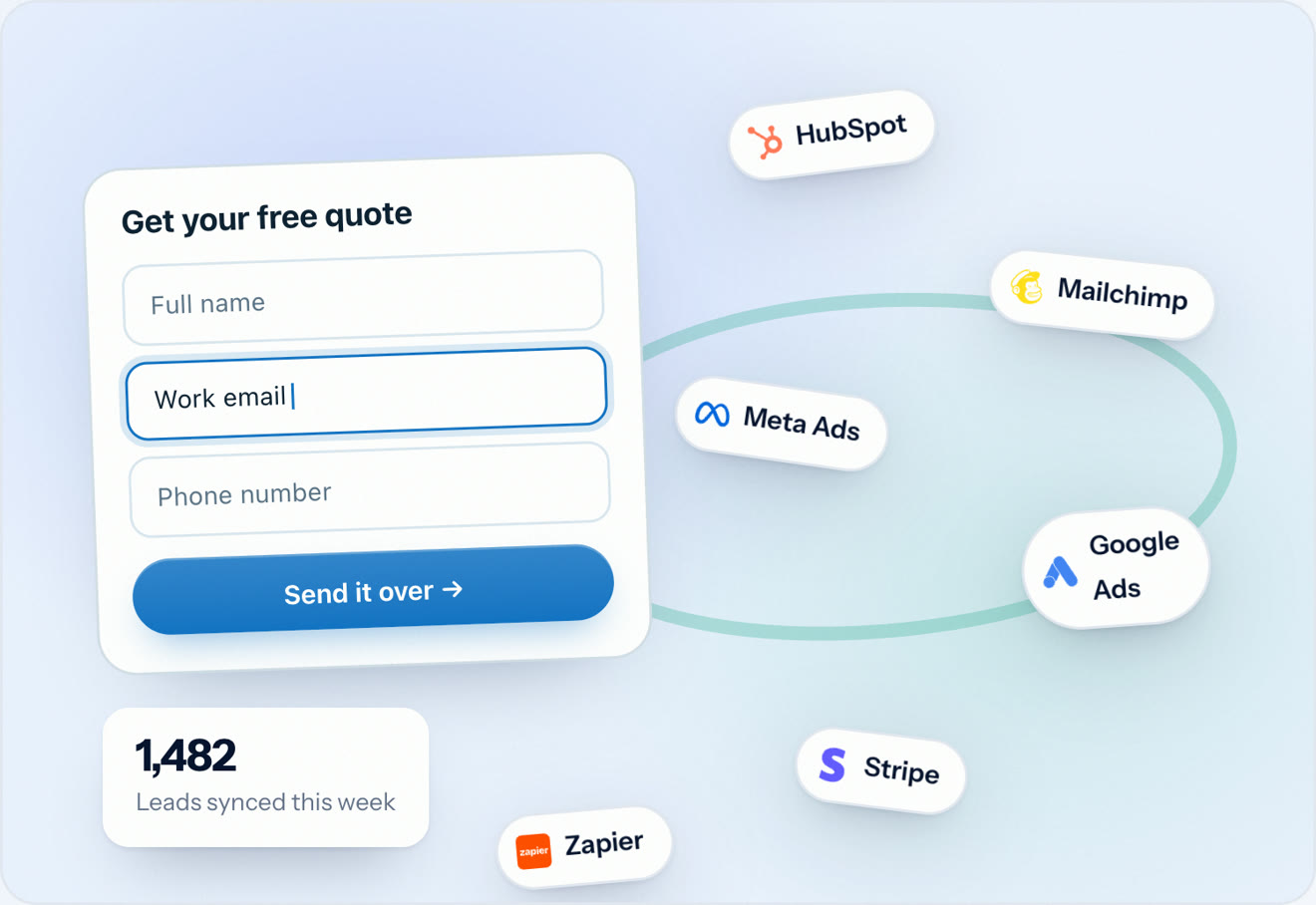
For agencies, the comparison is short. Unbounce's Agency plan is custom priced and starts at 10 root domains. The Swipe Pages Agency plan is $199 a month, or $149 billed annually, and you get 500,000 visitors, unlimited client sub-accounts and no cap on domains. See Swipe Pages for agencies.
Unbounce fits an established team that has the budget for the $149 or $249 plans, a designer who wants pixel control, and traffic that sits comfortably inside the visitor allowance.
Unbounce is a poor fit if you want AI to build the page for you, need checkout on the page, run spiky campaigns where a good week triggers an $80 fee, or manage a lot of client domains and would rather see a published price.
Unbounce is still a capable platform, and its builder is still one of the most flexible around. Its answer to AI is the MCP server, and that works if you already run your marketing through an AI assistant and you're paying for one.
The problems are the price of the useful tiers, the traffic fee, and the missing AI builder inside the product. If you buy clicks, you're paying $149 before you can run a test, $249 before the AI routes anything, and $80 every time a campaign does well enough to go past your limit.
Swipe Pages gives you A/B testing at $89, a native AI Builder and live-page CRO audits on every plan, checkout with three gateways, and extra traffic at $5 per 5,000 visits. You can see how the rest compare in our list of the best Unbounce alternatives, or try it for 14 days with no credit card.
Starter is $29 a month, Build $99, Experiment $149 and Optimize $249, with 25% off yearly billing. Concierge and Agency are custom priced. The plan most campaigns actually need is Experiment, because that's where A/B testing starts.
Yes. Since November 10, 2025 its terms charge $80 for every additional 10,000 visits, or part of that, as a one-time fee. You'll get alerts at 85% and 100% of your limit. Swipe Pages charges $5 per 5,000 visits.
No. Unbounce has AI copywriting inside the builder from the $99 plan, and Smart Traffic on the $249 plan. For AI page building, it gives you an MCP server so an outside AI assistant can work in your account. Swipe Pages also offers MCP connections, plus a native AI Builder and an AI Strategy agent that audits your live pages.
14 days, with no credit card. The trial is limited to a single user, doesn't allow custom domains and restricts traffic.
Not natively. There's no checkout in Unbounce, so you'd embed a third-party payment tool. Swipe Pages includes checkout with Stripe, PayPal and Razorpay on every plan.
It has a dedicated Agency plan that's custom priced and starts at 10 root domains, plus a partner directory listing. Whether it's good value depends on the quote you get. The Swipe Pages Agency plan is published at $199 a month with unlimited client sub-accounts and no domain cap.
For marketers and agencies running paid ads, it's Swipe Pages. You get a native AI Builder, an AI Strategy agent for CRO audits, A/B testing from $89 a month, checkout on every plan and a published overage rate. See our full list of the best Unbounce alternatives.
Written By Swami
A full Instapage review for 2026: every plan and limit, what its AI really does, the locked-account rule at your visitor limit, user reviews and a verdict.
Written By Swami
A full Leadpages review for 2026: the rebuilt AI page builder, every plan limit, real prices, 61 user reviews, and how it compares with Swipe Pages.
Written By Swami
The 9 best ClickFunnels alternatives for 2026, compared on price, checkout, email costs, AI features and who each one suits, with current screenshots.
Start a 14 day full featured trial. No Credit Card Required.
Choose a plan when you are ready.